14 15
TRUE WIRELESS STEREO (TWS)
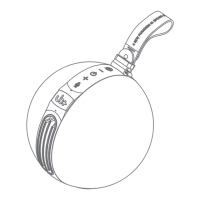
PAIRING BETWEEN TWO EUPHO E3
SPEAKERS
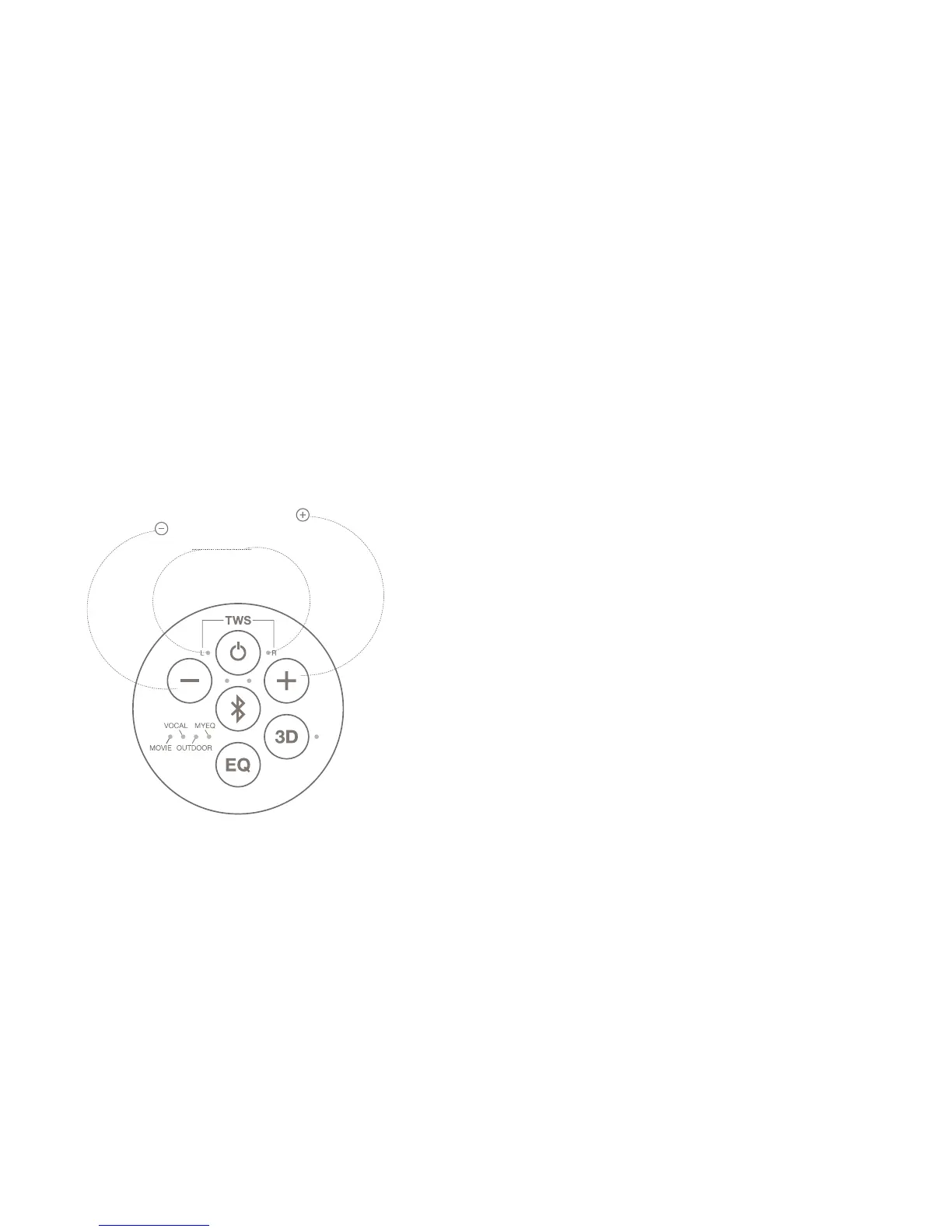
1. Press and hold both the Volume up button and the Volume down
button together for 3 seconds for the speaker to go into TWS
pairing mode. Both the white lights beside the L and R labels will
ashalternatelyfor3seconds,beforetheblueBluetoothlightstarts
to blink.
2. Repeat this step for the other speaker.
3. Both speakers would be paired automatically to each other if there
areinproximitytoeachother.TherstspeakertogointoTWSpairing
mode would be playing the left channel as represented by the L
light, while the other speaker would be playing the right channel as
represented by the R light.
4. To toggle the channels between the speakers, press both the Volume
up and Volume down buttons together. Each speaker can either be
playing the left channel, the right channel or be playing both channels
together, as indicated by the L or R lights.


 To Next Page