Color Temperatures
You can select the default color temperature settings or the “User 1” to adjusts the red,
green and blue color values..
Brightness
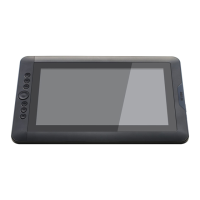
You can adjust the brightness of your ARTISUL screen by selecting “Increase” or “Decrease”.
Contrast
You can adjust the contrast of your ARTISUL screen by selecting “Increase” or “Decrease”.
Note: The "Calibrated Pen Displays" are only there to assist you, to prepare your work for best
accuracy before CMYK Printing, refer to guidelines set by your printing services.


 To Next Page