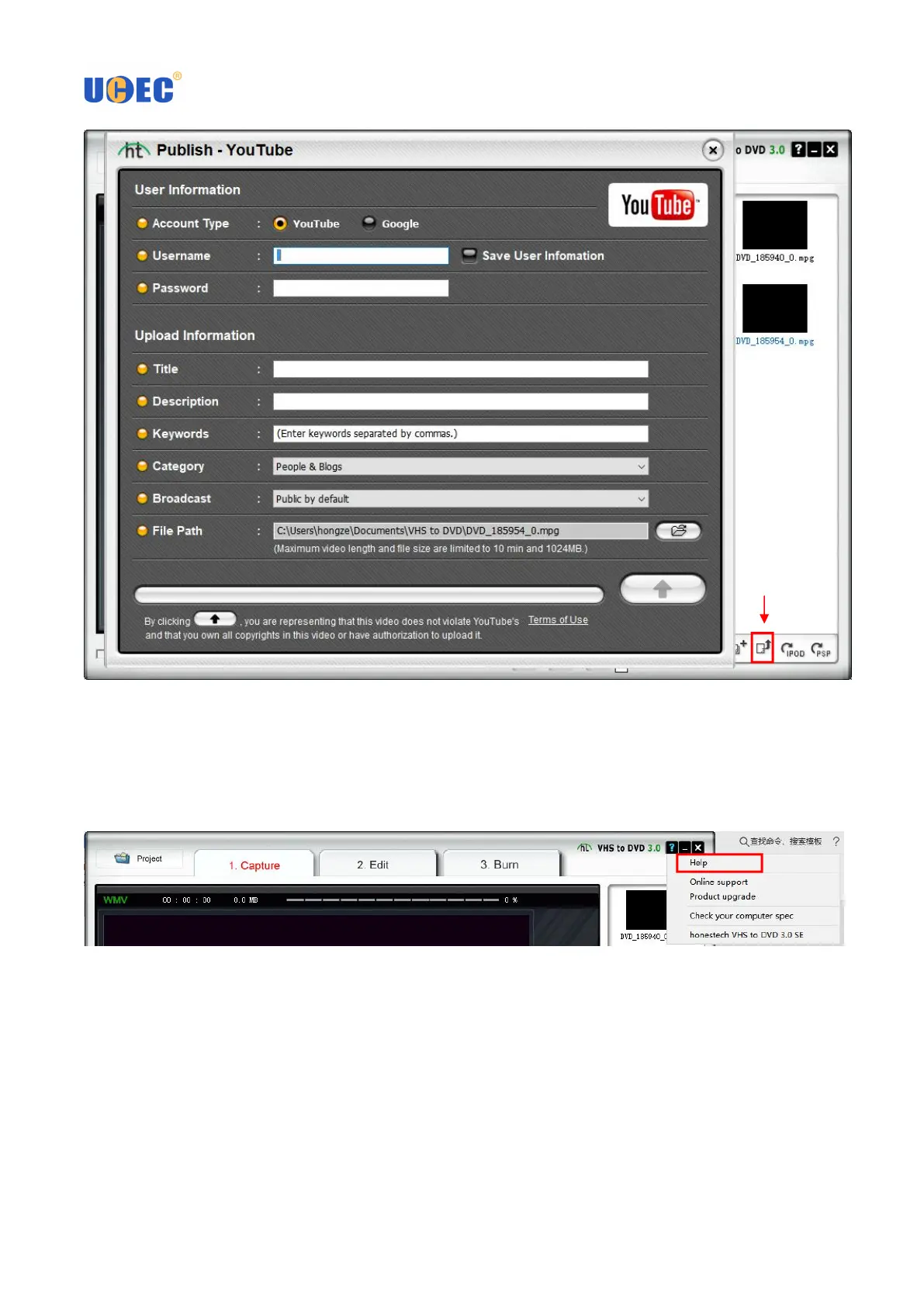
3.10 To edit your video, click the 2. Edit tab. This allows you to create transitions, apply effects, and more. You
can learn more by clicking "?" icon in the upper right corner and selecting Help to open the user manual,
VHStoDVD3UserGuide.pdf.
3.11 To learn more about the software’s features, double click the Honestech VHS to DVD 3.0 SE User Guide
shortcut icon on your computer’s desktop. Or click ? menu in the upper right corner and select Help to open the
user manual, VHStoDVD3UserGuide.pdf



 To Next Page