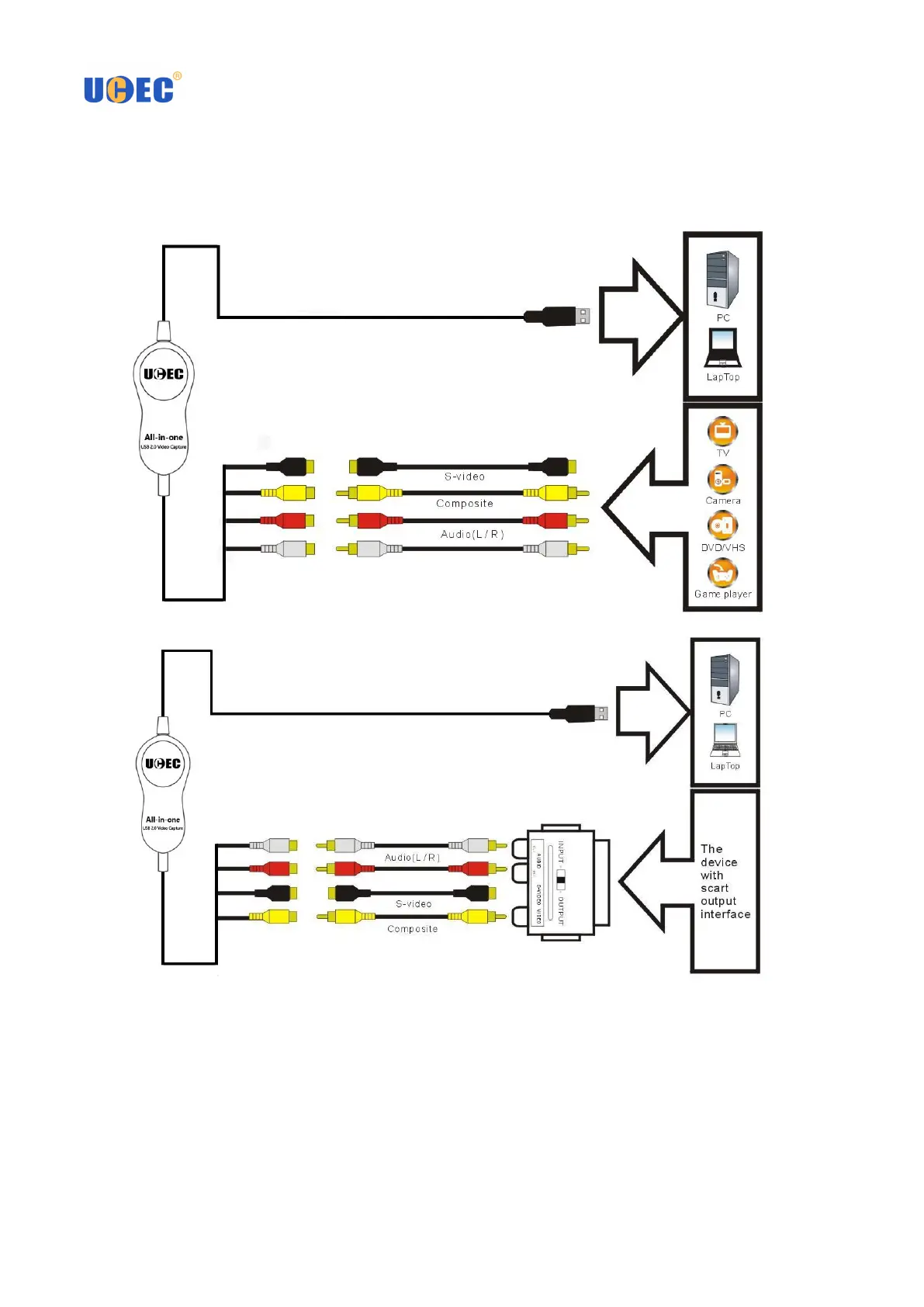
Part 1. Connections
♦
OVERVIEW
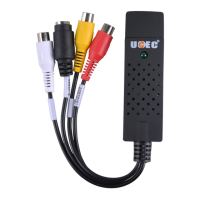
♦ The function of each port of UCEC All-in-One Video Capture
1. USB PORT – Connect the USB port of device to an available USB 2.0 port on your computer (preferably a port
on the real panel).
2. AUDIO INPUTS (red and white) – Use standard RCA cables to connect these left and right audio inputs to
the left and right audio outputs of your playback device. Be sure to match the colors properly – red to red (right
channel), white to white (left channel).



 To Next Page