Part 2. How to use UCEC All-in-One Video Capture On
MacBook
The software that we provided is for Windows computer. So if you use Macbook or iMac, you can directly use
QuickTime Player to capture your video.
►Steps:
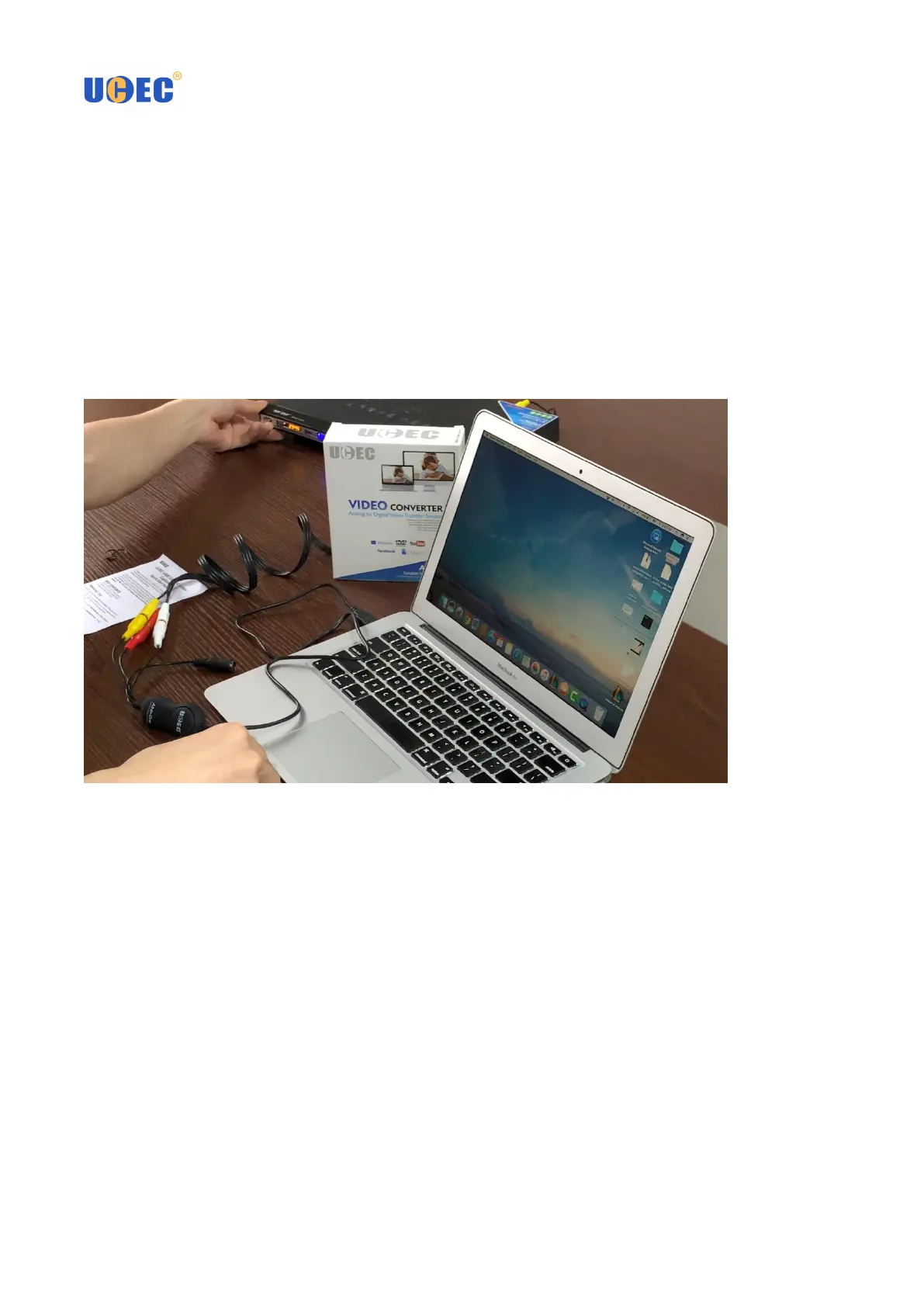
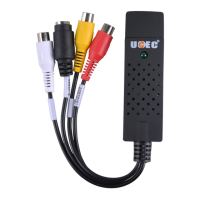
1. Connect the RCA cable to the video capture card and your VCR, Digital Camcorder, DVD player, TV. Insert the
USB port of the Video capture card to your MacBook. Wait a minute and the system will automatically install the
hardware drivers.
2. Open QuickTime Player. You can find the software by going to Applications – QuickTime Player. (Next
Page)



 To Next Page