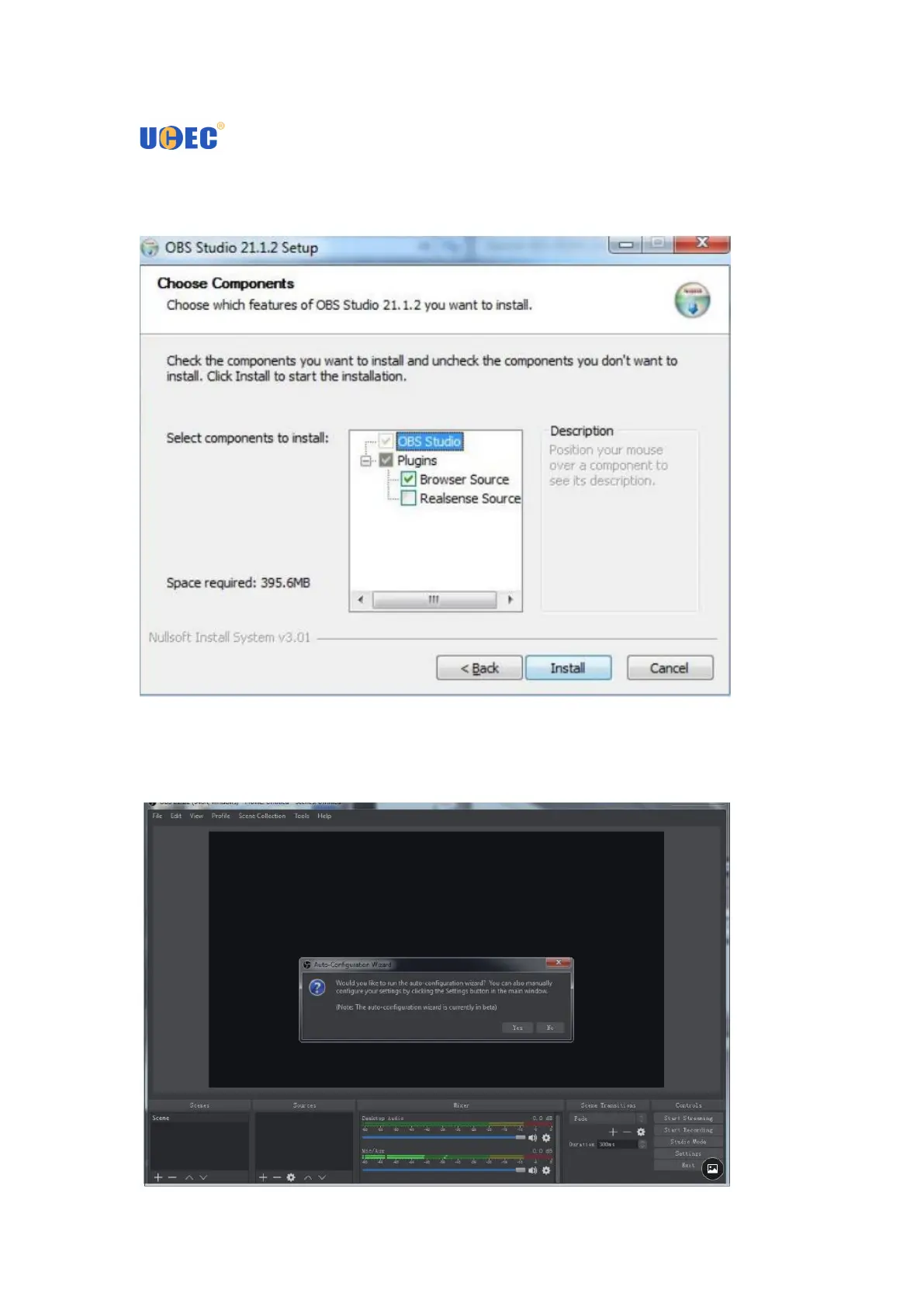
2.Choose whether to select extra“ Realsense Source ” according to your needs.
Generally you just have to click“Install”to continue. Wait for a few minutes, click
“Finish”to finish the installation of OBS Studio.
2. When you run OBS Studio first time, you can use Auto-configuration Wizard or not.
You can also configure manually your setting by clicking the settings button in the
main window.


 To Next Page