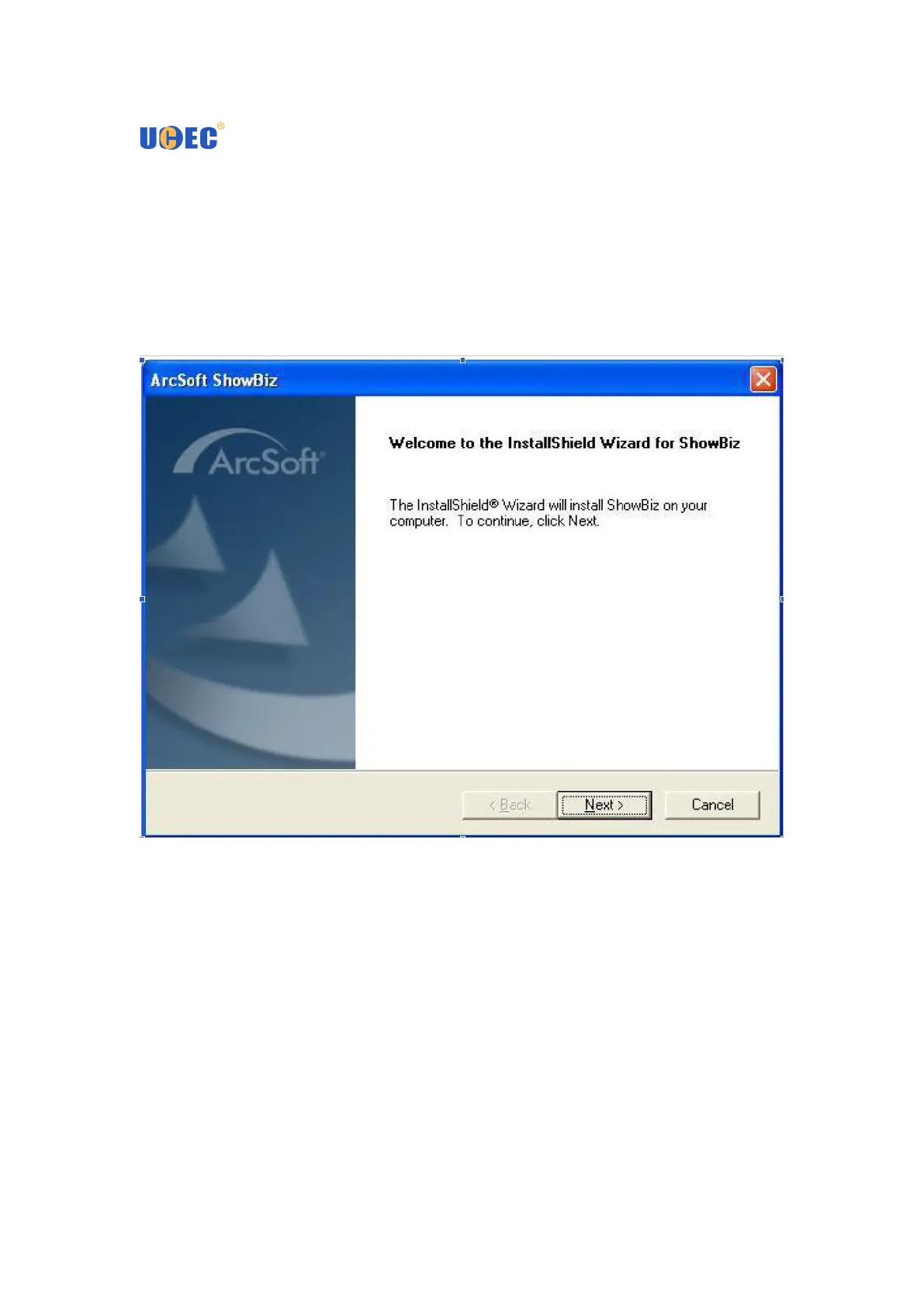
How to install ShowBiz 3.5
1. Note: If you have any antivirus software enabled, please disable it during the
installation of the software. Before you first connect the USB Video Capture to your
computer, please insert the “CD-ROM” into your CD drive. Then you should find a
picture of software running. Option “Install ShowBiz 3.5” and select your language
for the installation. And click “Next” or/and “Install”.


 To Next Page