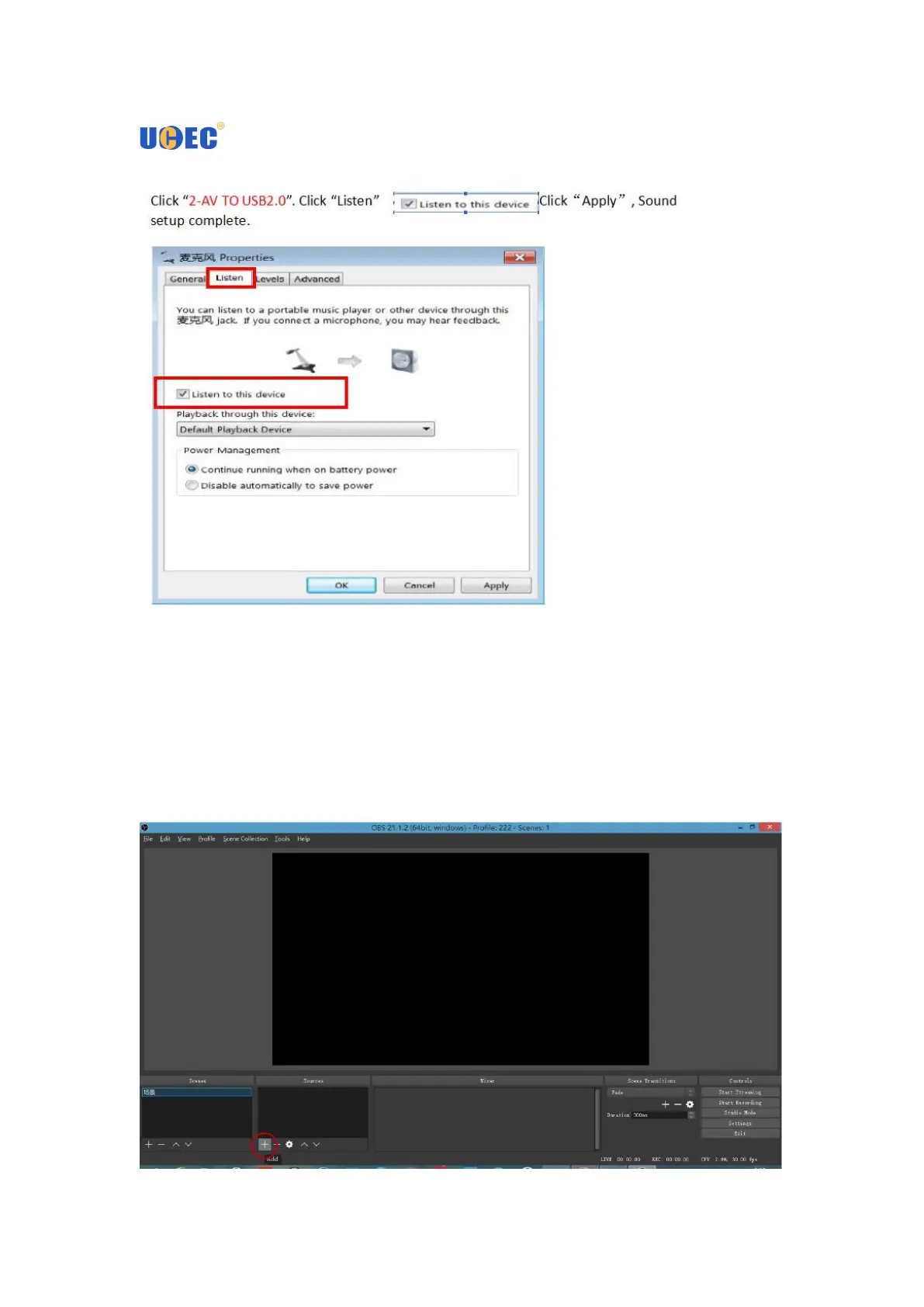
Secondly, Install the OBS Studio from the disk and follow the Instructions below to
install.
1. Connect the RCA cable to your DVD, VCR, VHS audio and video connectors.
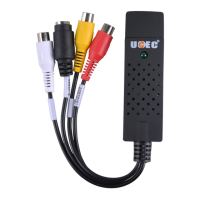
2. Insert UCEC Video Capture Card, the computer will detect automatically.
3. Open OBS STUDIO and point "+" at the source.
4.Select to add "Video Capture Device" and click "OK" in the sources box.


 To Next Page