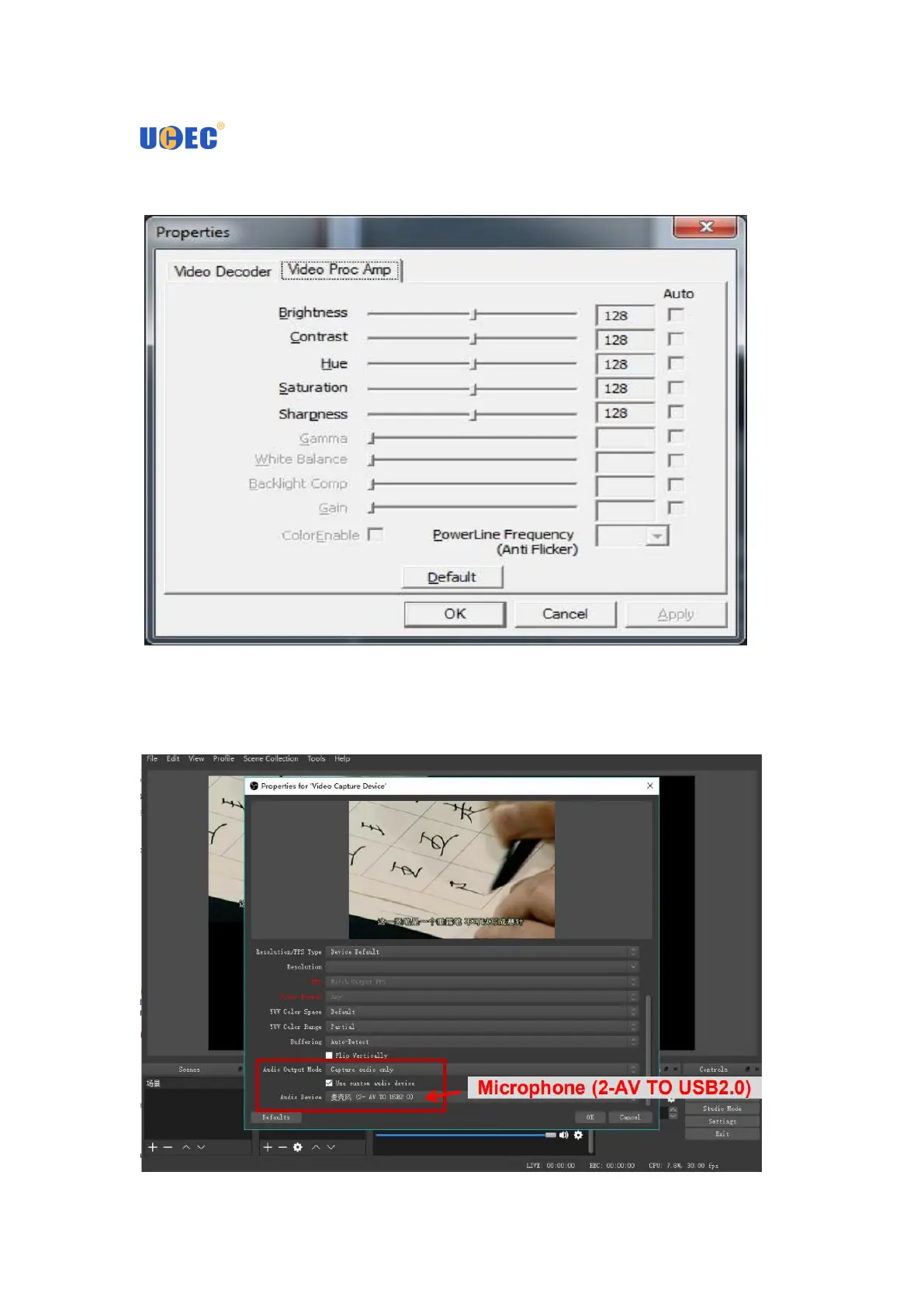
8. You can adjust Brightness, Contrast, Hue and Saturation Control to get good
picture quality.
9.In the Device box, you need to drag the scroll bar to the bottom and choose
“Capture audio only” in the Audio Output Mode. Then you need to check the “Use
custom audio device” and select “Microphone (2-AV TO USB2.0)”. Click ”OK”.


 To Next Page