MUSIC SHARING
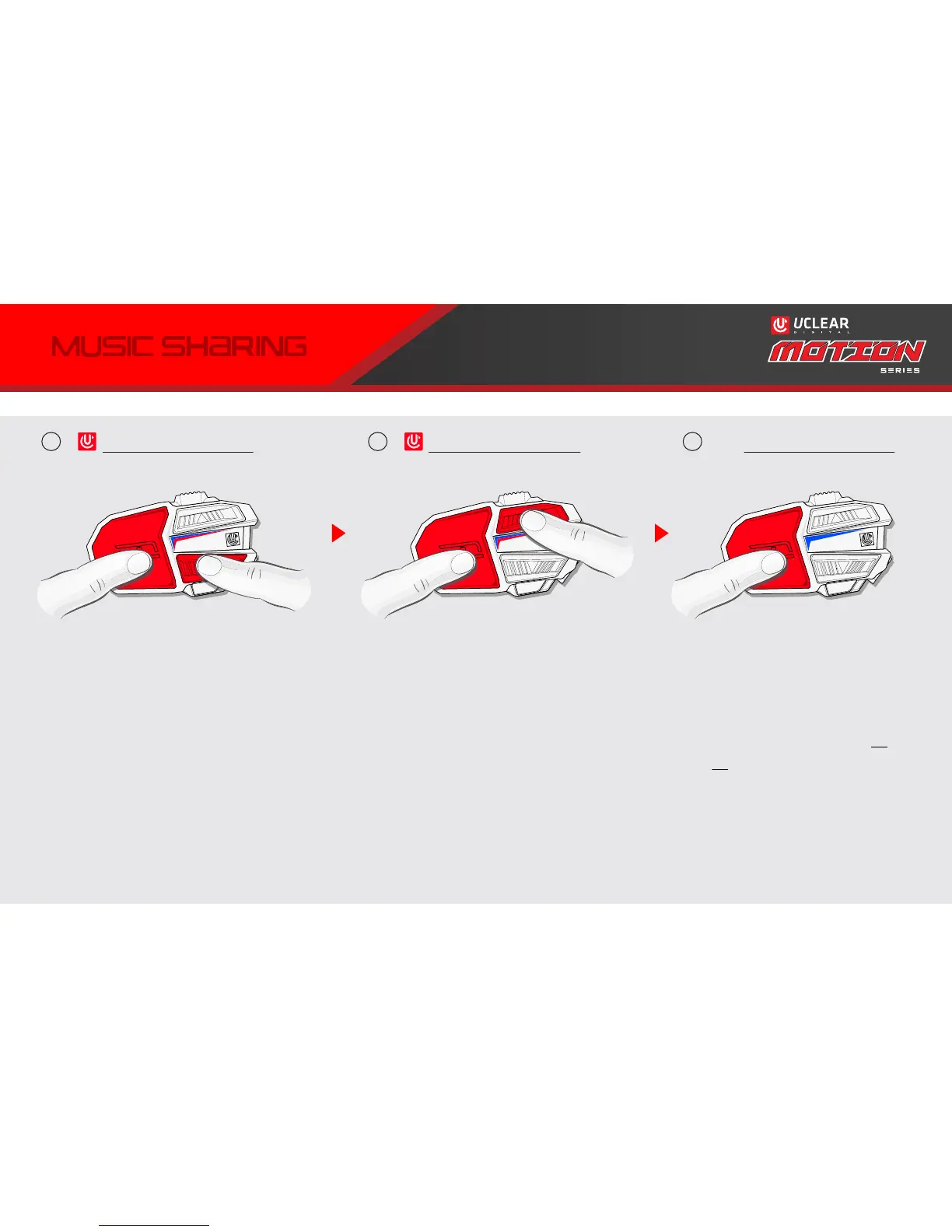
MOTION DEVICE A
Power ON state.
Press POWER & DOWN twice
quickly. LED indicator will blink
blue and red.
DEVICE A will be the master
unit which transmits the music.
Play/pause commands on
DEVICE A affect both devices.
Power ON state.
Press POWER & UP twice
quickly. LED indicator will blink
blue and red.
DEVICE B will receive the music,
but can also play/mute music
without affecting DEVICE A.
Both MOTION units will start
blinking blue when pairing
completes.
Control music playback and
volume as shown on pages 16
& 19. Example: press POWER
twice to start music play. Press
POWER once to pause music.
x2
x2
1
MOTION DEVICE A
3
MOTION DEVICE B
x2
2
NOTE: Music Sharing feature supports sharing from 1 enabled UCLEAR unit to 1 other enabled
UCLEAR unit over intercom. Both units must be paired for intercom before music sharing.
20



 To Next Page