3
25
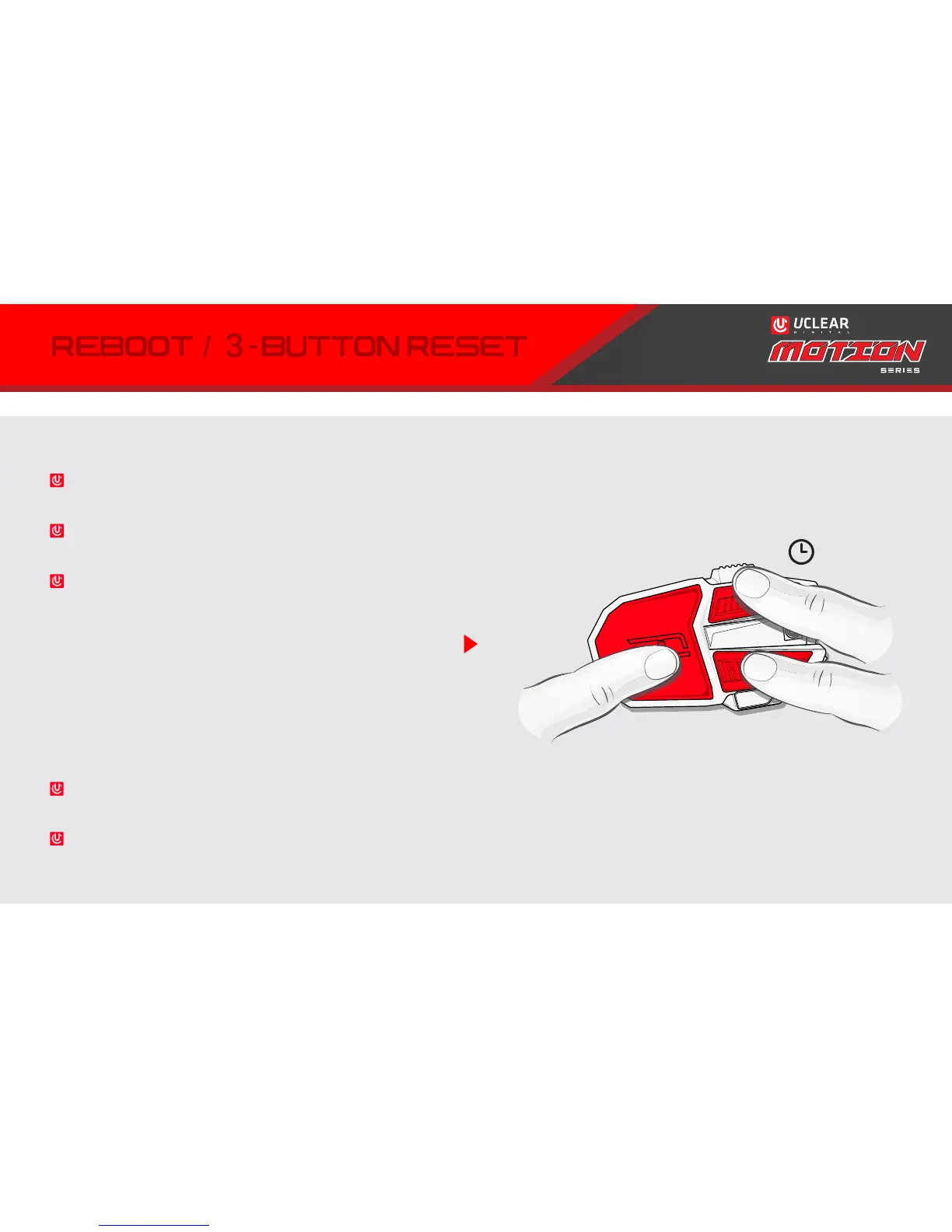
To manually reboot UCLEAR devices, use the 3-button
reset (does not erase your settings).
Press & hold POWER + UP + DOWN at the same for a
few seconds.
Afterwards, power the unit back on. If the unit does
not power on, try resetting again while it is plugged
into its charger.
If you experience further problems, please contact
UCLEAR Support.
WHY & WHEN:
If UCLEAR device does not power on after charging or
firmware update- may be stuck in “update mode”.
LED does not light up while charging.



 To Next Page