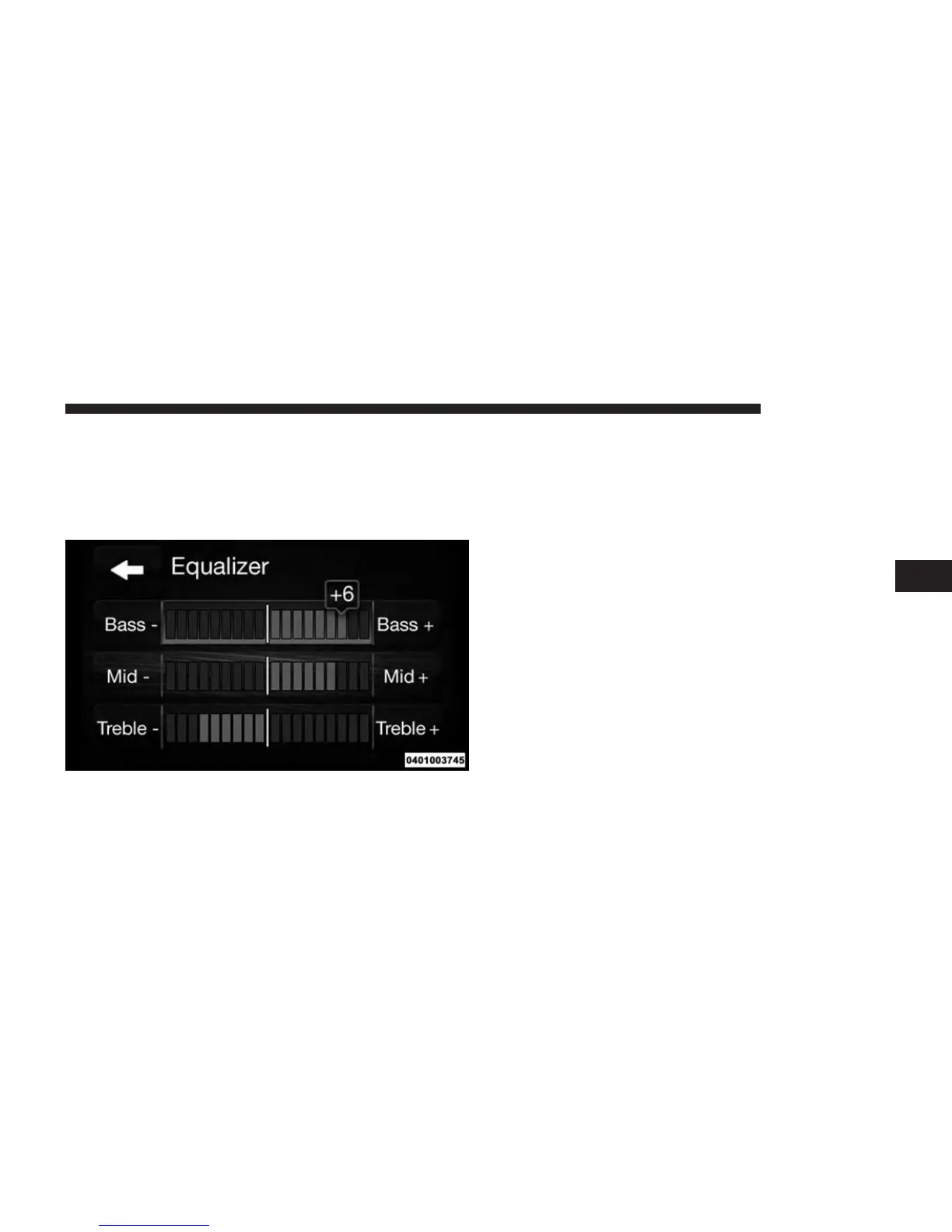
Equalizer
Press the “Equalizer” button to adjust the Bass, Mid and
Treble. Use the “+” or “–” buttons to adjust the equalizer
to your desired settings. Press the “back arrow” button
when completed.
Balance
Press the “Balance” button to adjust the sound from the
speakers. Use the “arrow” button to adjust the sound
level from the front and rear or right and left side
speakers. Press the Center “C” button to reset the balance
and fade to the factory setting. Press the “back arrow”
button when completed.
Speed Adjustable Volume
Press the “Speed Adjusted Volume” button to select
between OFF, 1, 2 or 3. This will increase the radio
volume relative to a increase in vehicle speed. Press the
“back arrow” button when completed.
Loudness
Press the “Loudness” button to select the Loudness
feature. When this feature is activated it improves sound
quality at lower volumes. Press the “back arrow” button
when completed.
4
RADIO MODE 27



 To Next Page