coverage limitations). Our Internet radio service is avail-
able throughout our satellite service area and in AK and
HI. © 2015 SiriusXM Radio Inc. Sirius, XM and all related
marks and logos are trademarks of SiriusXM Radio Inc.
Service available in Canada; see
www.siriusxm.ca
.
This functionality is only available for radios equipped
with a Satellite receiver. To receive satellite radio, the
vehicle needs to be outside with a clear view to the sky.
If the screen displays Acquiring Signal, you may need to
change the vehicle’s position to receive a signal. In most
cases, the satellite radio does not receive a signal in
underground parking garages or tunnels.
Audio
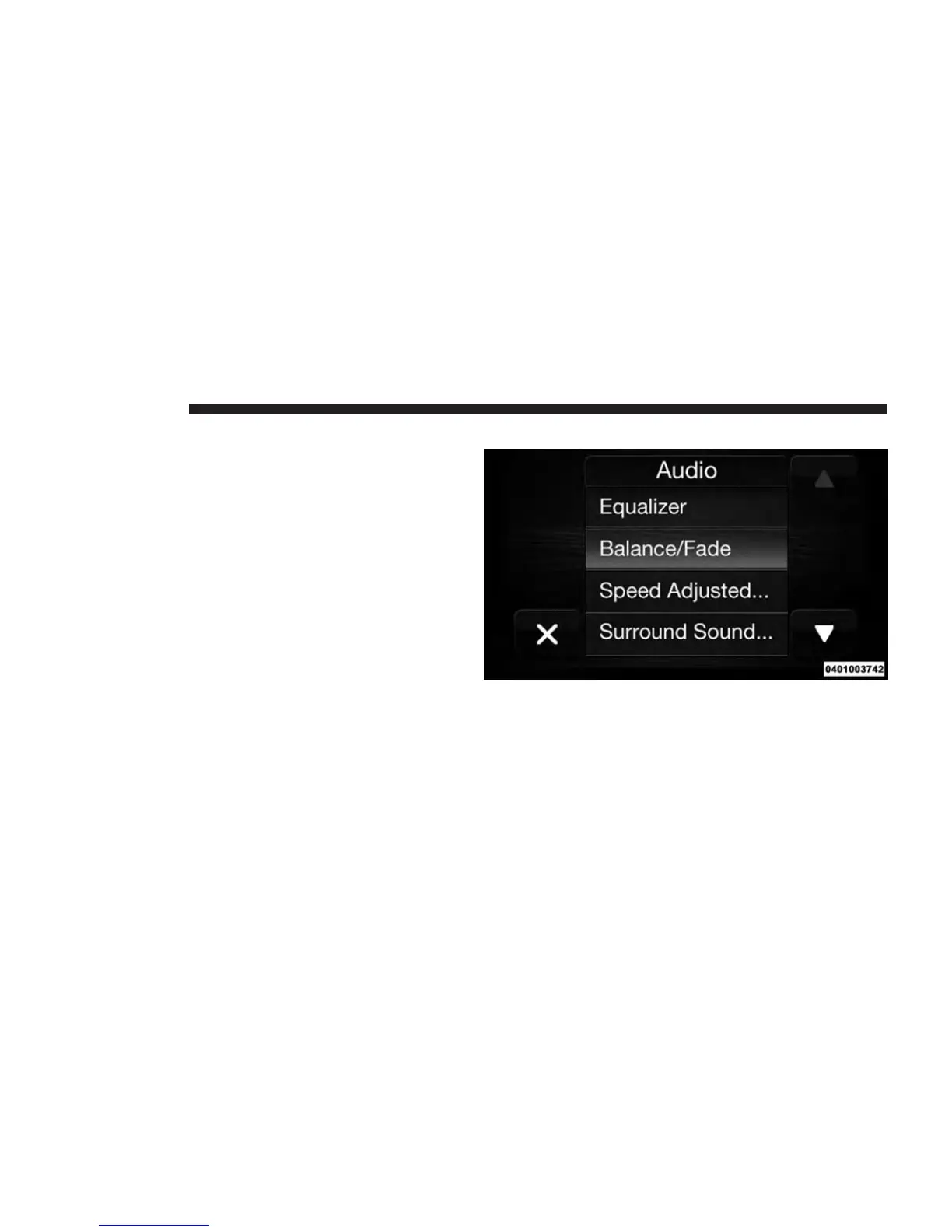
1. Push the SETTINGS button located on the faceplate.
2. Then scroll down and press the “Audio” button lo-
cated on the touchscreen to open the Audio menu.
3. The Audio Menu displays the following options for
you to customize your audio settings.
26 RADIO MODE



 To Next Page