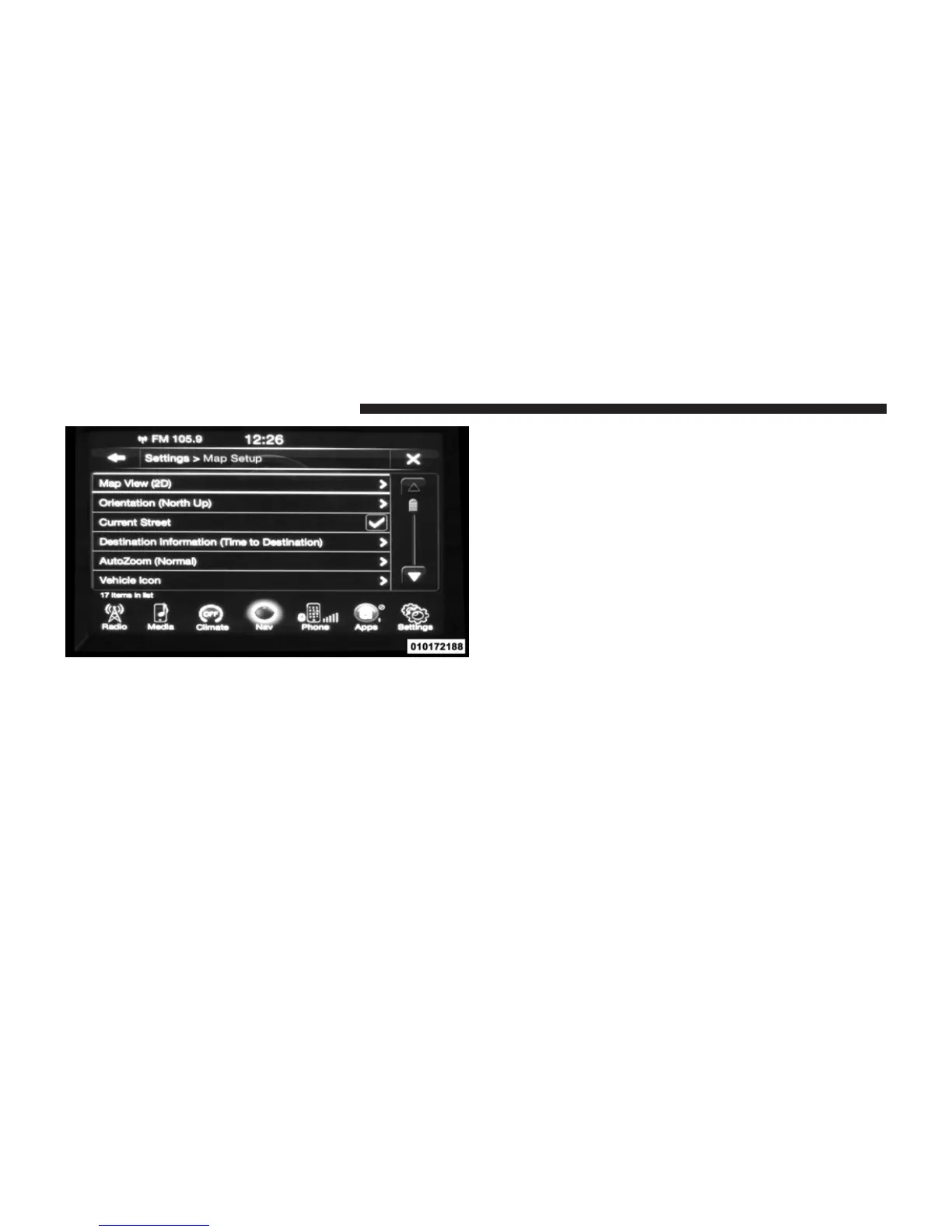
With the Map displayed, touch the Options soft-key, then
touch the Settings soft-key and then the Map Setup
soft-key. You can also access this menu by touching the
Settings soft-key in the lower right of the Nav Main
Menu.
The following Map Setup options are available.
• Map View
Touch this soft-key to change how the Map View is
displayed. Touch the desired soft-key.
– 3D
– 2D
• Orientation
Touch this soft-key to change how the Map Orientation is
displayed. Touch the desired soft-key.
– North Up
– Heading Up
• Current Street
Touch this soft-key to turn on/off the current street
display on the lower center of the Map View. Touch and
release the soft-key until a check-mark appears, showing
the setting has been selected.
• Destination Information
140 Uconnect™ ACCESS USER’S MANUAL



 To Next Page