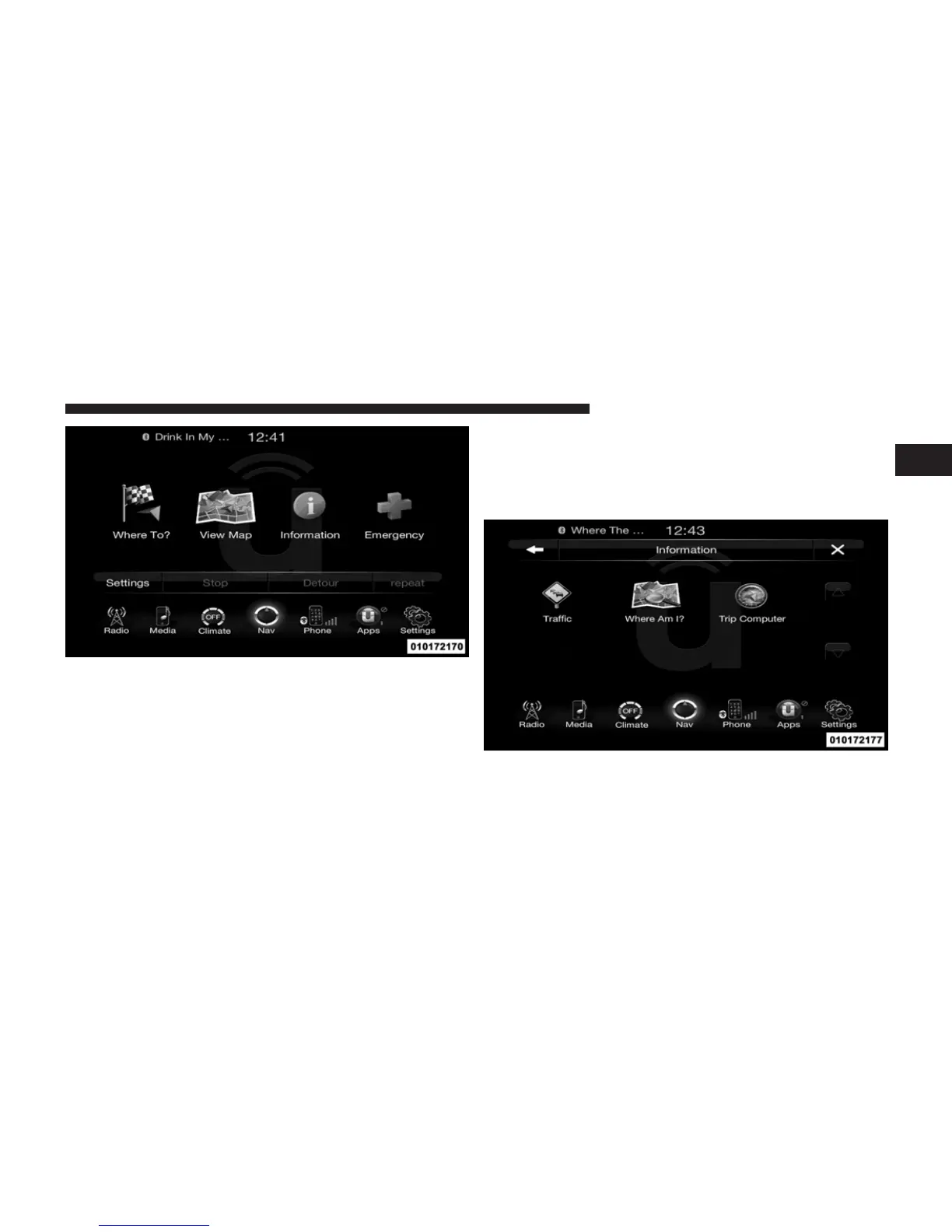
From the Nav Main Menu, touch the Information soft-
key and select one of the following options to view
additional information.
• Traffic
• Where Am I?
• Trip Computer
NOTE: You can touch the back arrow soft-key to return
to the previous screen or the X soft-key to exit.
Information – Where Am I?
To select Where Am I? information, touch the Informa-
tion soft-key from the Nav Main Menu and then touch
the Where Am I? soft-key.
1
Uconnect™ ACCESS USER’S MANUAL 145



 To Next Page