• All POIs
• Spell POI Name
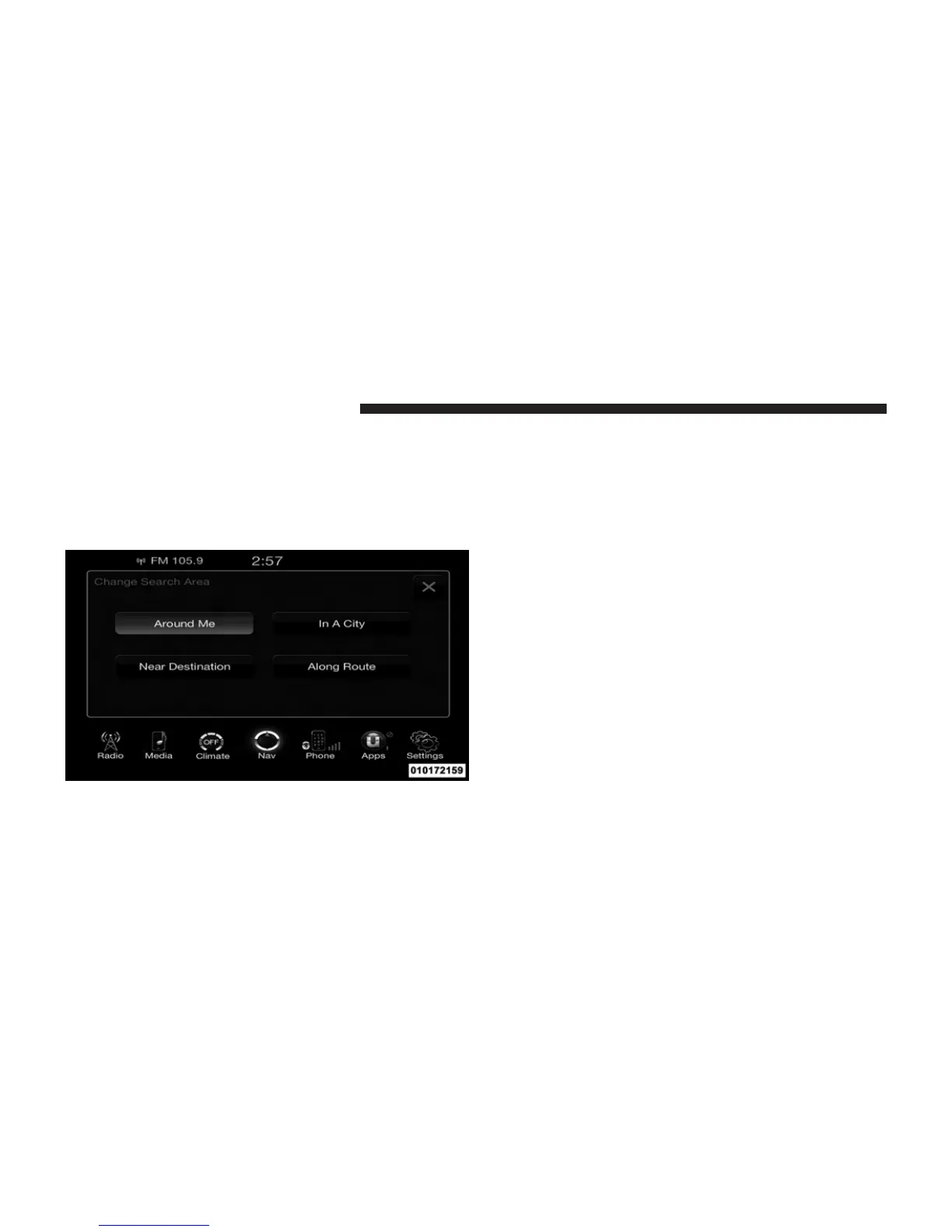
You can also change your POI search area, by touching
the Change Search Area soft-key. You will have the
following options to change your search area:
• Around Me
• In a City
• Near Destination (only available during route
guidance)
• Along Route (only available during route guidance)
NOTE: You can touch the back arrow soft-key to return
to the previous screen or the X soft-key to exit.
POI – Gas Stations
To select a Gas Station POI, touch Point of Interest from
the Nav Main Menu, then touch the Point of Interest
soft-key and then touch the Gas Stations soft-key.
228 Uconnect™ ACCESS USER’S MANUAL



 To Next Page