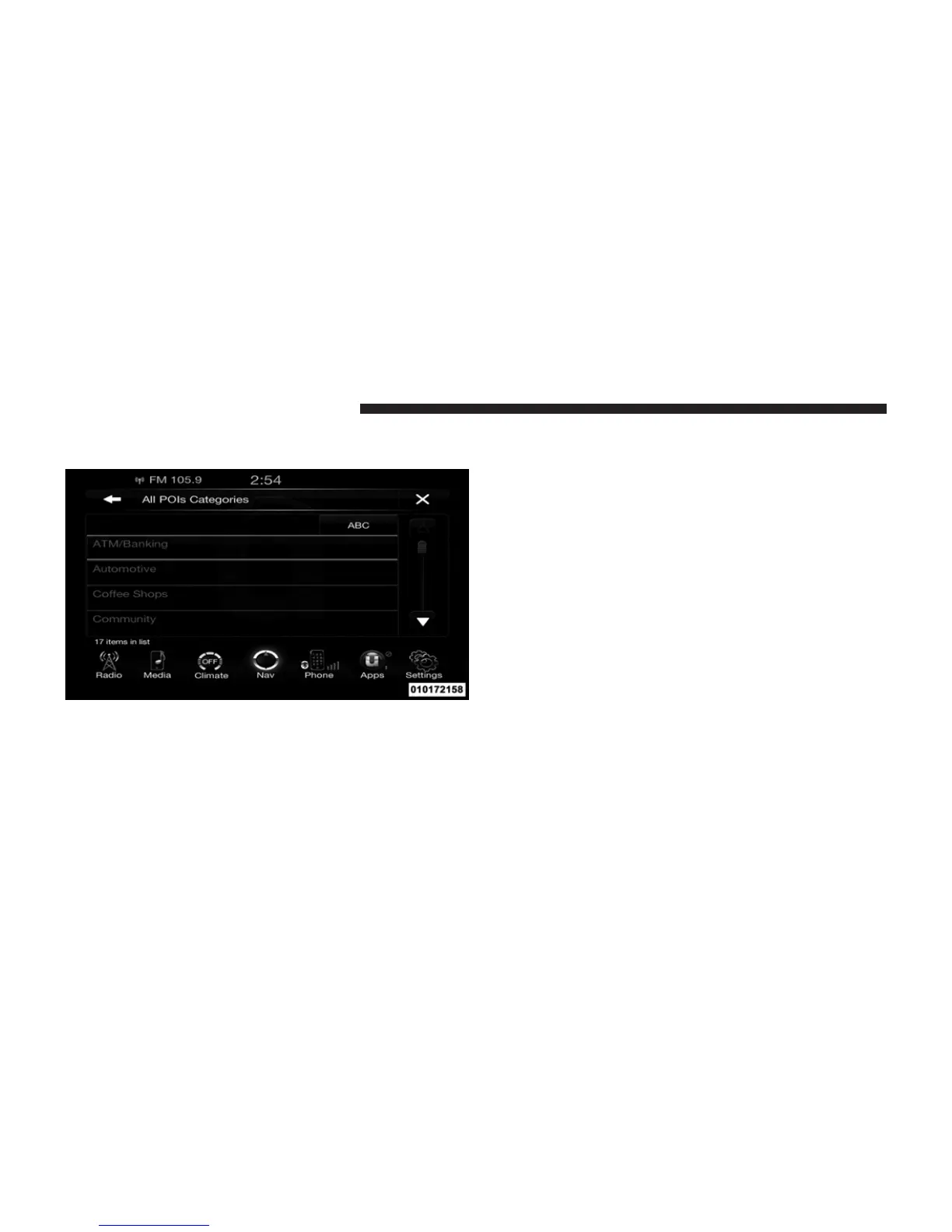
All POIs
To select a POI type, touch Point of Interest from the Nav
Main Menu, then touch the Point of Interest soft-key and
then touch All POIs soft-key.
You can search through the available POI categories to
find your desired POI.
The available categories are:
• ATM/Banking
• Automotive
• Coffee Shops
• Community
• Entertainment
• Gas Stations
• Health and Beauty
• Highway Exit
• Hospital
• Hotels/Motels
• Other
• Parking
232 Uconnect™ ACCESS USER’S MANUAL



 To Next Page