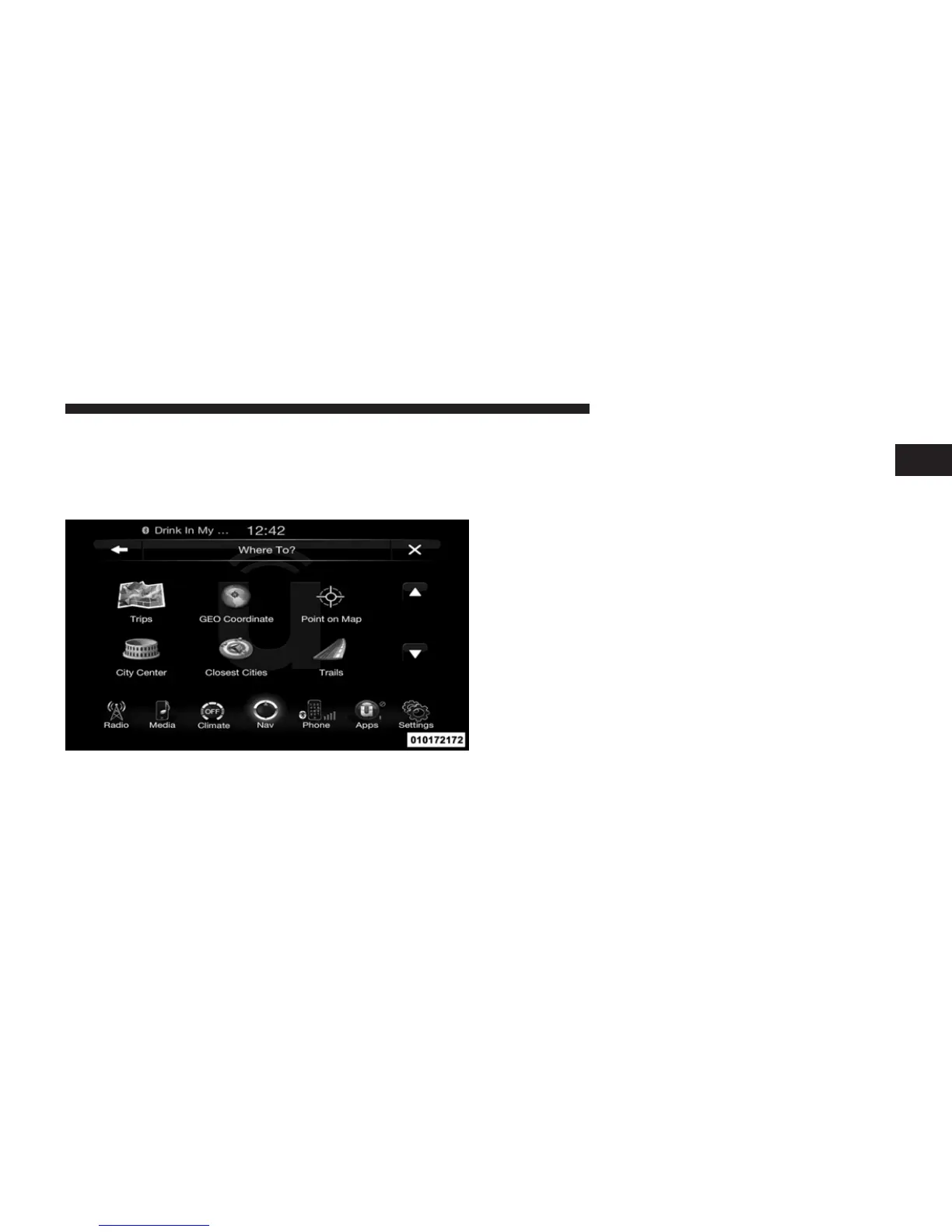
NOTE: You can touch the back arrow soft-key to return
to the previous screen or the X soft-key to exit.
Where To? – Trips
To route to a saved Trip, touch the Recent soft-key in the
NAV Main Menu.
Touch the soft-key with the name of the desired Trip and
touch the first destination in the list. Confirm the route by
touching Yes to start the route guidance.
To add a Trip, follow these steps:
1. Touch the Create new Trip soft-key.
2. Type in the new Trip Name.
3. Touch Add Destination to add destinations to your
trip.
4. Choose from the following options to add a destina-
tion
NOTE: Refer to the individual section of the chosen
option for further information.
• Address
• Recent
• Point of Interest
• Favorites
1
Uconnect™ ACCESS USER’S MANUAL 239



 To Next Page