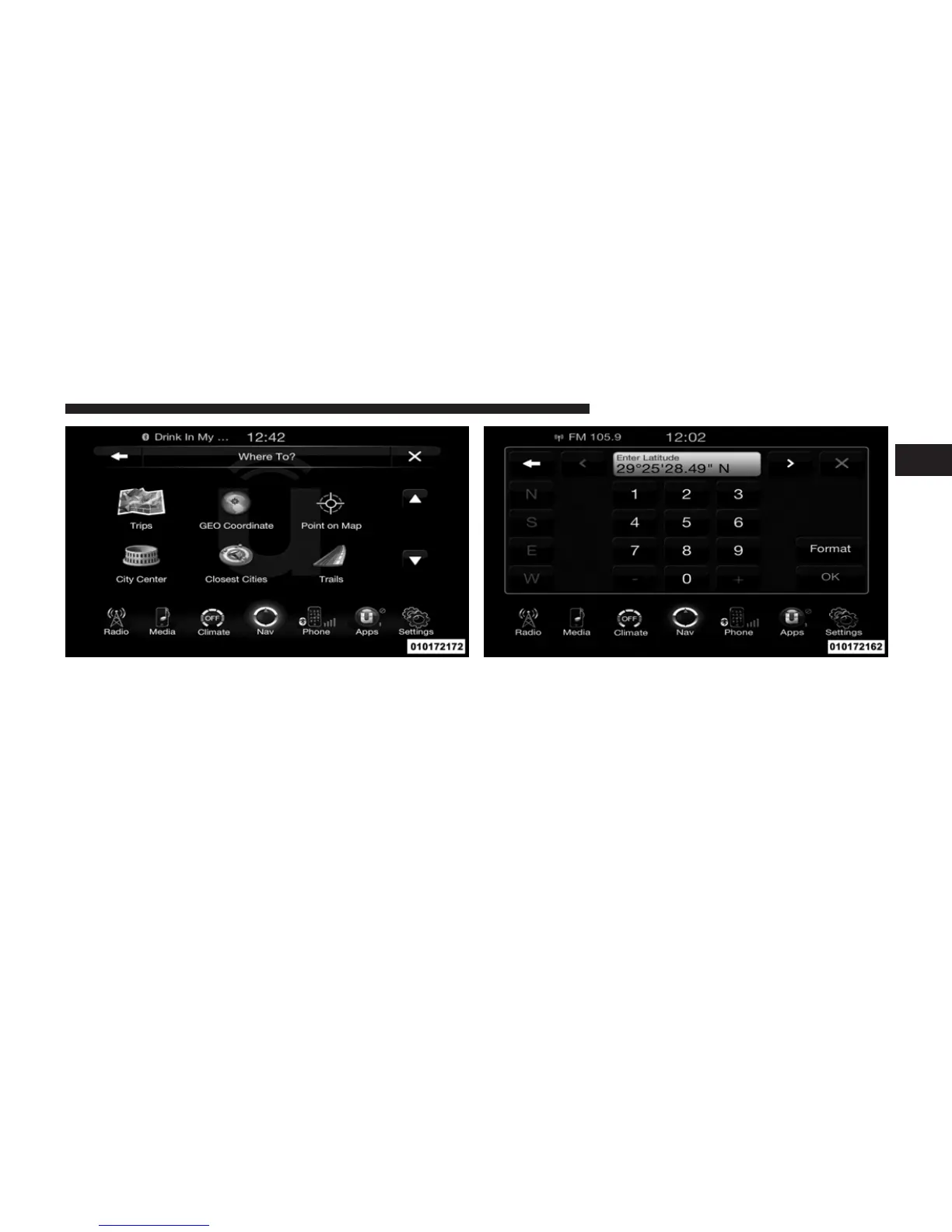
To enter a destination by GEO Coordinate, touch Where
To? in the Nav Main Menu and then touch the GEO
Coordinate soft-key.
1. Enter the Latitude by typing in the numbers. Use the
left and right arrows to select specific numbers in the
location shown.
2. Touch the OK soft-key.
1
Uconnect™ ACCESS USER’S MANUAL 241



 To Next Page