1.Outdoor temp HI/LO alarm icon
2.Outdoor low battery indicator
3.Outdoor humidity display
4.Sunshine intensity
5.UV Index display
6.Rainfall display(1H,24h,WEEK,MONTH,
TOTAL)
7.Wind gust display
8.Time
9.Wind average display
10.Weeks and Seconds
11.Date or Year
12.Moon Phase icon
13.Pressure (REL and ABS)
14.Weather forecast icon
15.Humidity rate of change
16.Temperature units (°F or °C)
17.Indoor temperature display
18.WiFi network signal icon
19.Wind direction icon
20.Outdoor temperature display
3.4.2 Setup the Display Console
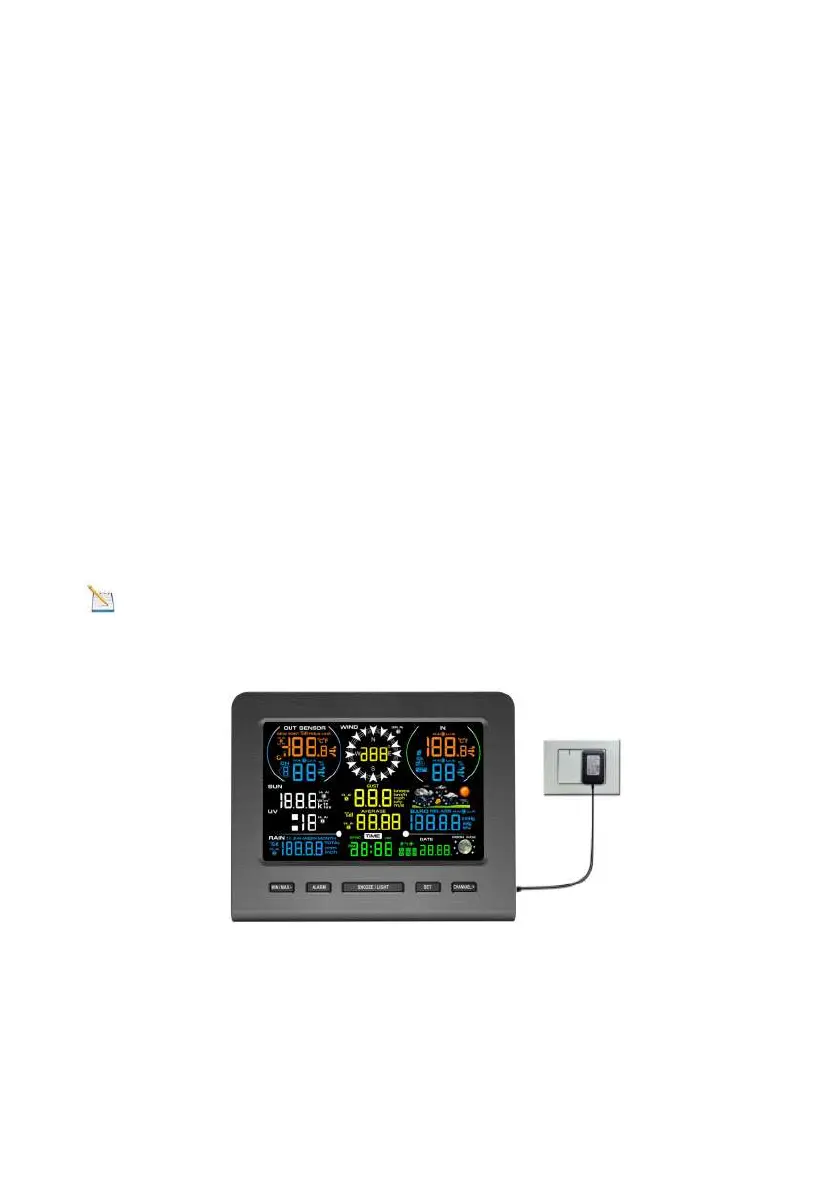
1. Plug in the display console with power adapter. BL ON
will display in the time area for three seconds when powered
up.
Note: It is recommended to plug in the power adapter to
reduce the battery consumption and extend the service life.
2. Display Console Batteries Installation
Remove the battery door on the back of the display, as shown
in Figure 4. Install three AAA (alkaline or lithium) batteries. The



 To Next Page