display will beep once and layout of display will light up for a
few seconds to verify all segments are operating properly.
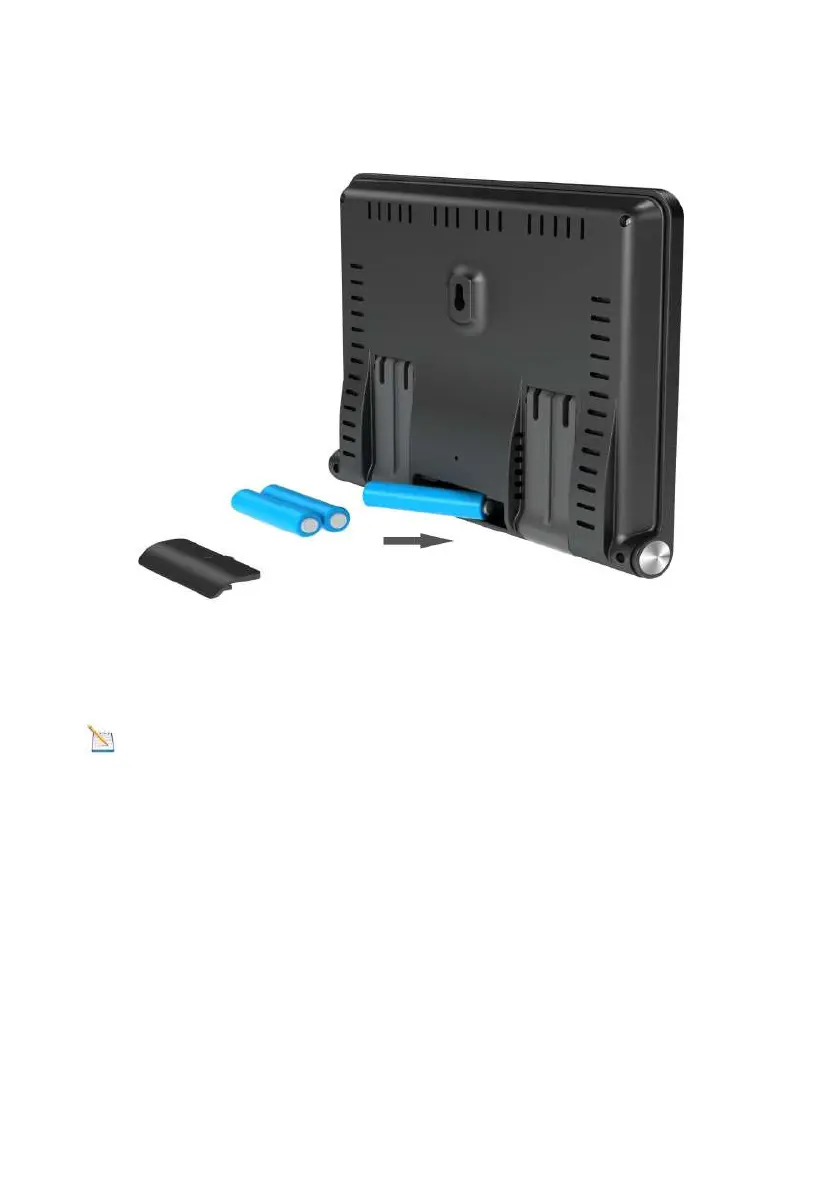
Figure 4
Recover the battery door, and unfold out the desk stand to
place the console in the upright position
Note: The battery is a back-up of weather station console,
saving console settings when powered off from adaptor.
3.4.3 Connect Sensors with Display Console
Once the display console is powered up, it will automatically
scan all the nearby Integrated Outdoor sensors.



 To Next Page