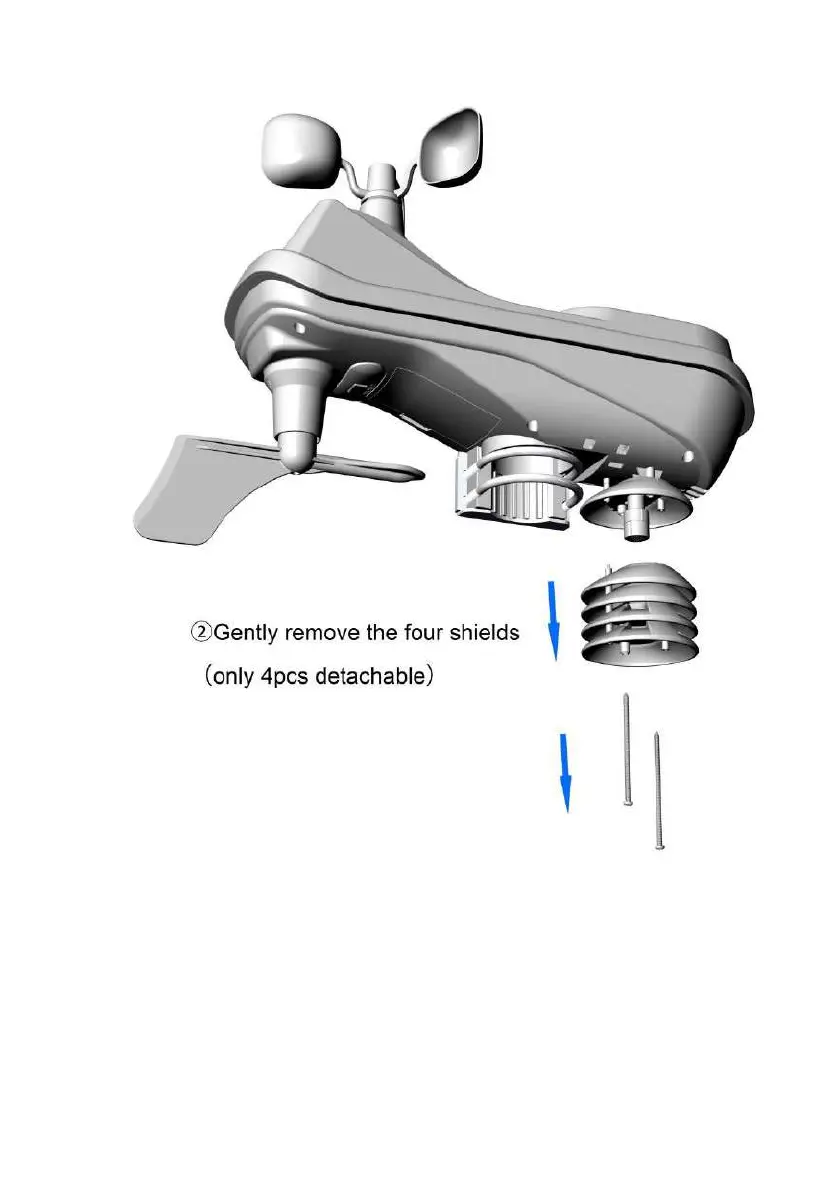
3)Carefully remove any dirt or insects on the sensor,or Carefully
remove the old TH sensor and replace the new one(do not let the
sensors inside get wet,Do not identify the direction of the sensor, but
pay attention to that it must be installed in place, and the black
waterproof ring just fits with the upper part.).



 To Next Page