S9510-28DC Hardware Installation Guide | 19
AC Version
1. Ensure there is enough power to supply the system.
The maximum system power consumption is 378 watts with an input voltage of 100~240V and
6 amperes.
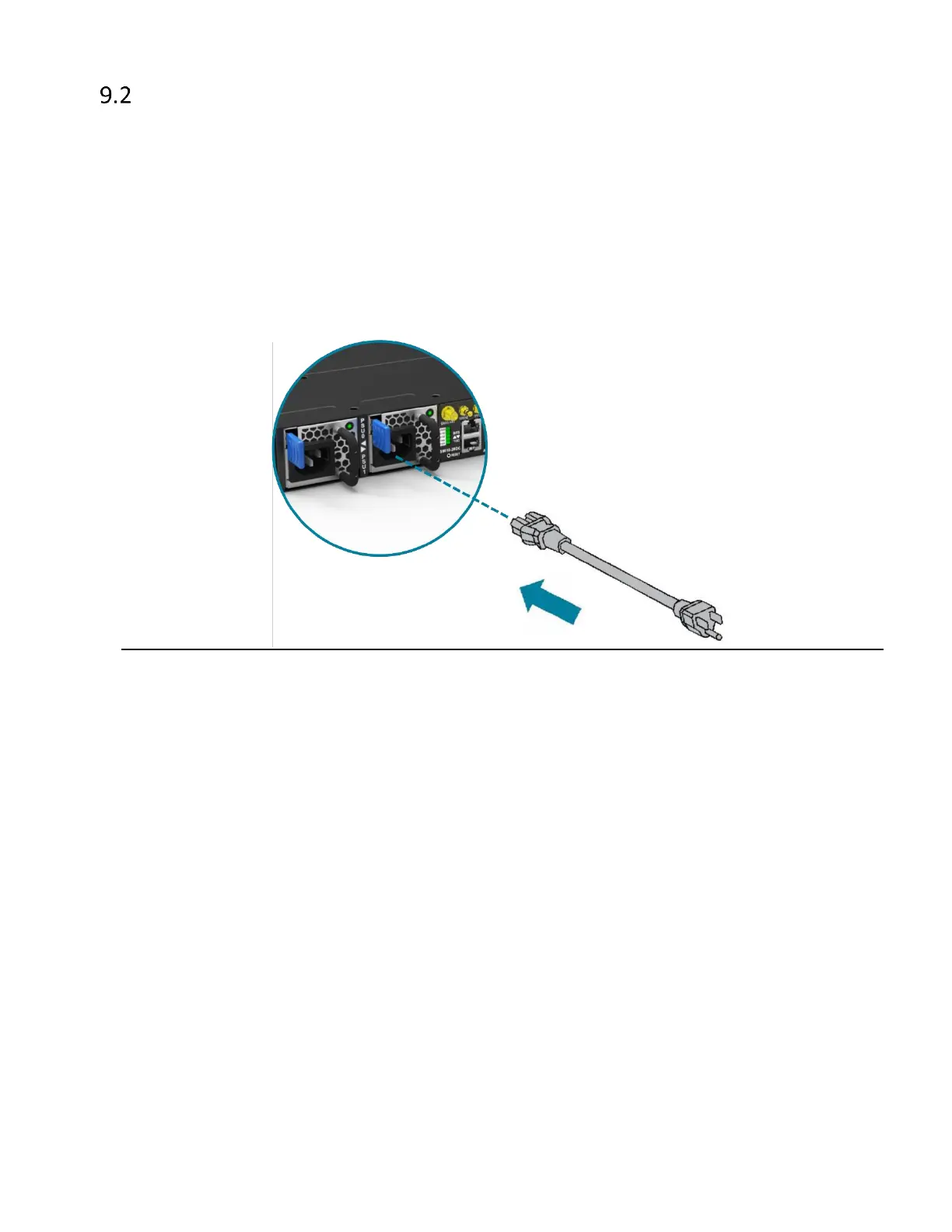
2. Attach the power cable.
Plug the power cord into the AC PSU and secure it tightly.
3. Verify that the power supply is operating.
If connected correctly, when turned on, the LED on the PSU will light up with a Green color
designating normal operation.


 To Next Page