If the pen tablet is not used for a while, it will enter into sleep mode to save power.
Please tab the tip of the pen on the tablet work area to wake it from its sleeping mode
The tip of the pen functions as the left mouse click, if you tab the tip of the pen twice on
the tablet work area, you will carry out a double click command (as if you would with a
mouse)
You can also drag and scroll like a mouse, keep the tip of the pen in contact with the
tablet work area as you drag the pen across the tablet to scroll or drag
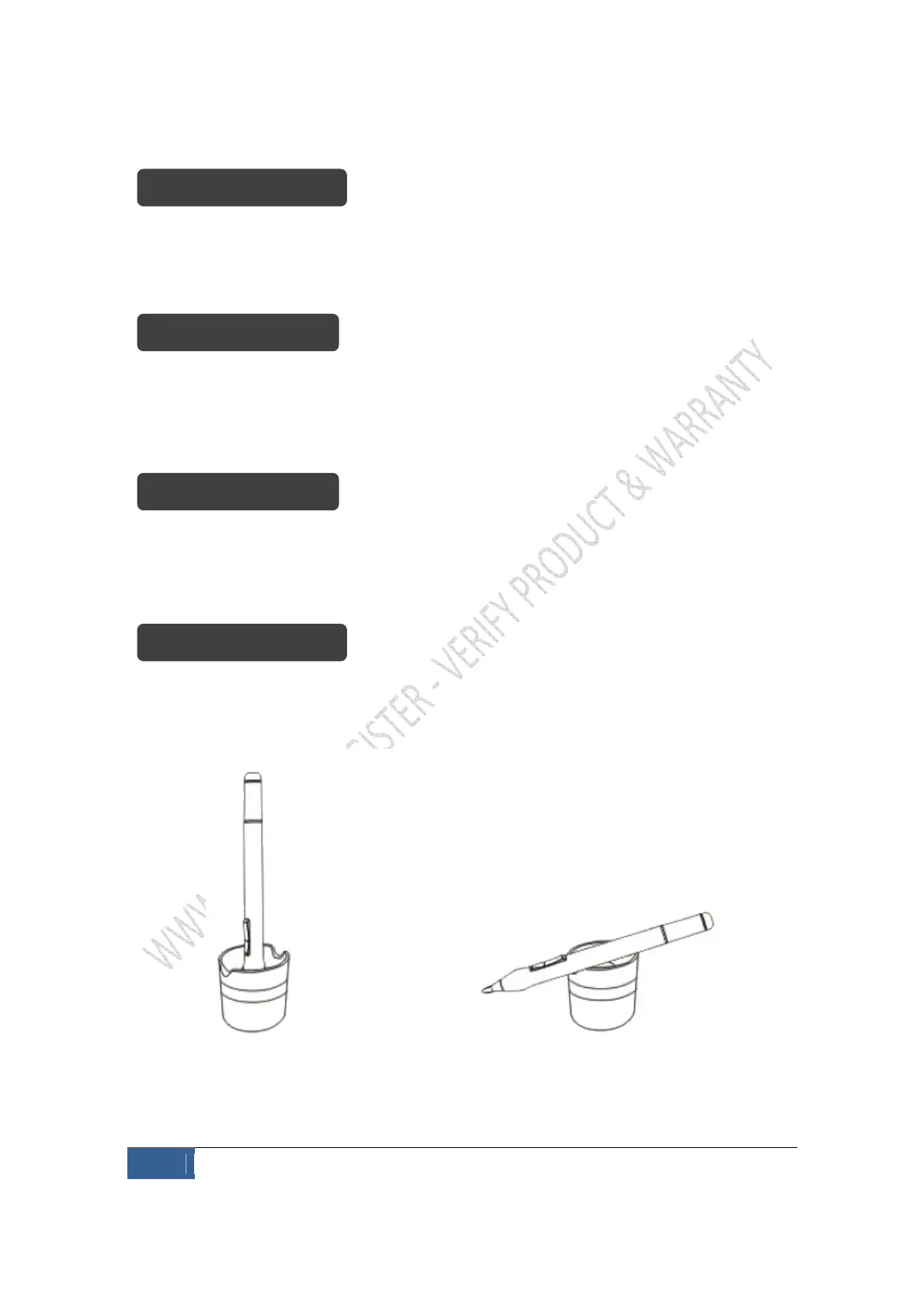
When you finish using the product, you should always keep the pen in a pen holder to
keep it safe and avoid losing it.
You can rest the pen on the pen holder horizontally or vertically.


 To Next Page