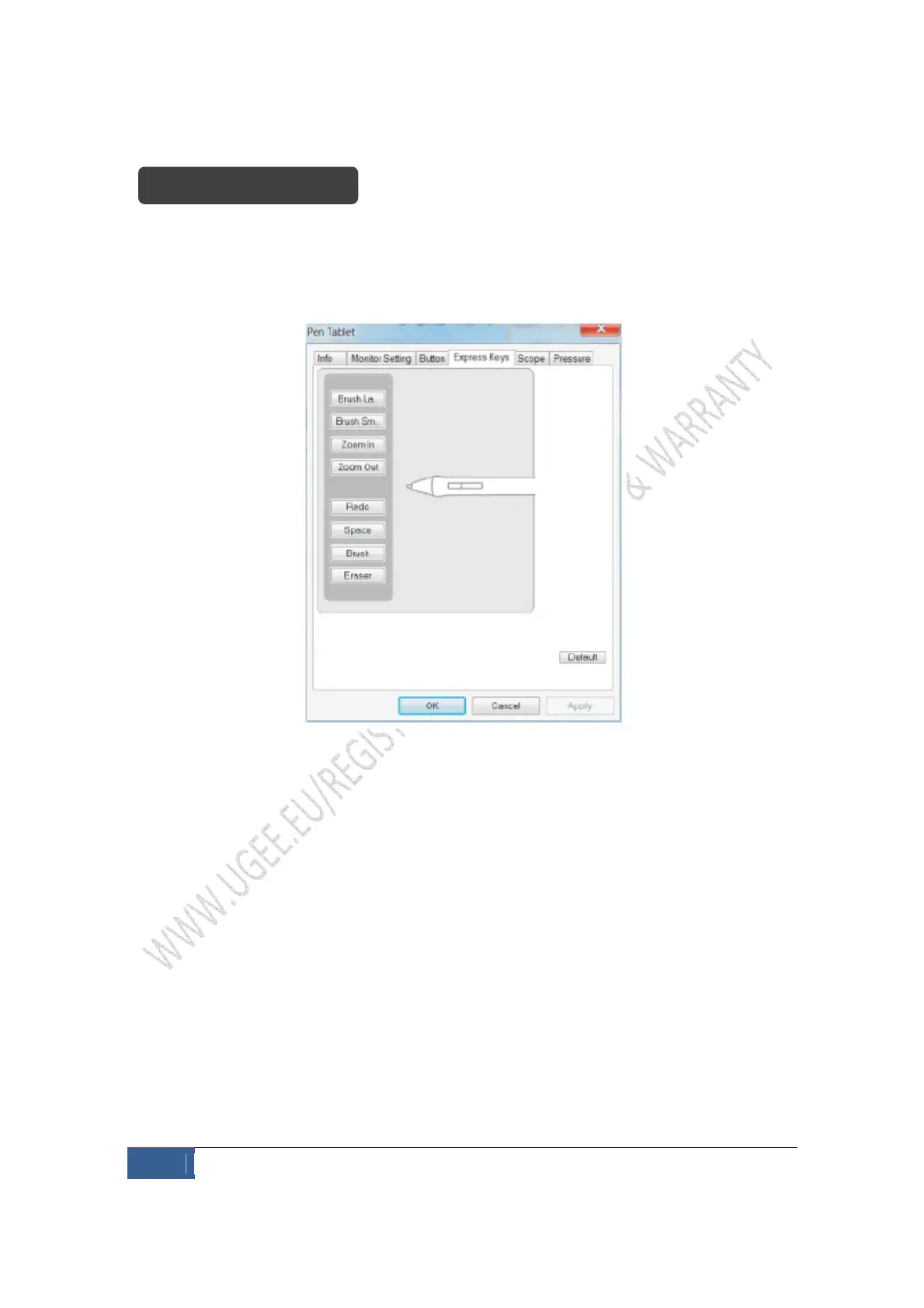
When you press the shortcut key next to the work area of the tablet, all functions of the
shortcut key will be executed. Setting up of hard shortcut key is similar to that of soft
shortcut key.
Exhibit 5 – Defining the function of express keys
Setting up express keys
Click the express key button that you want to set up on the screen and you can see the
control panel for hard shortcut key configuration.


 To Next Page