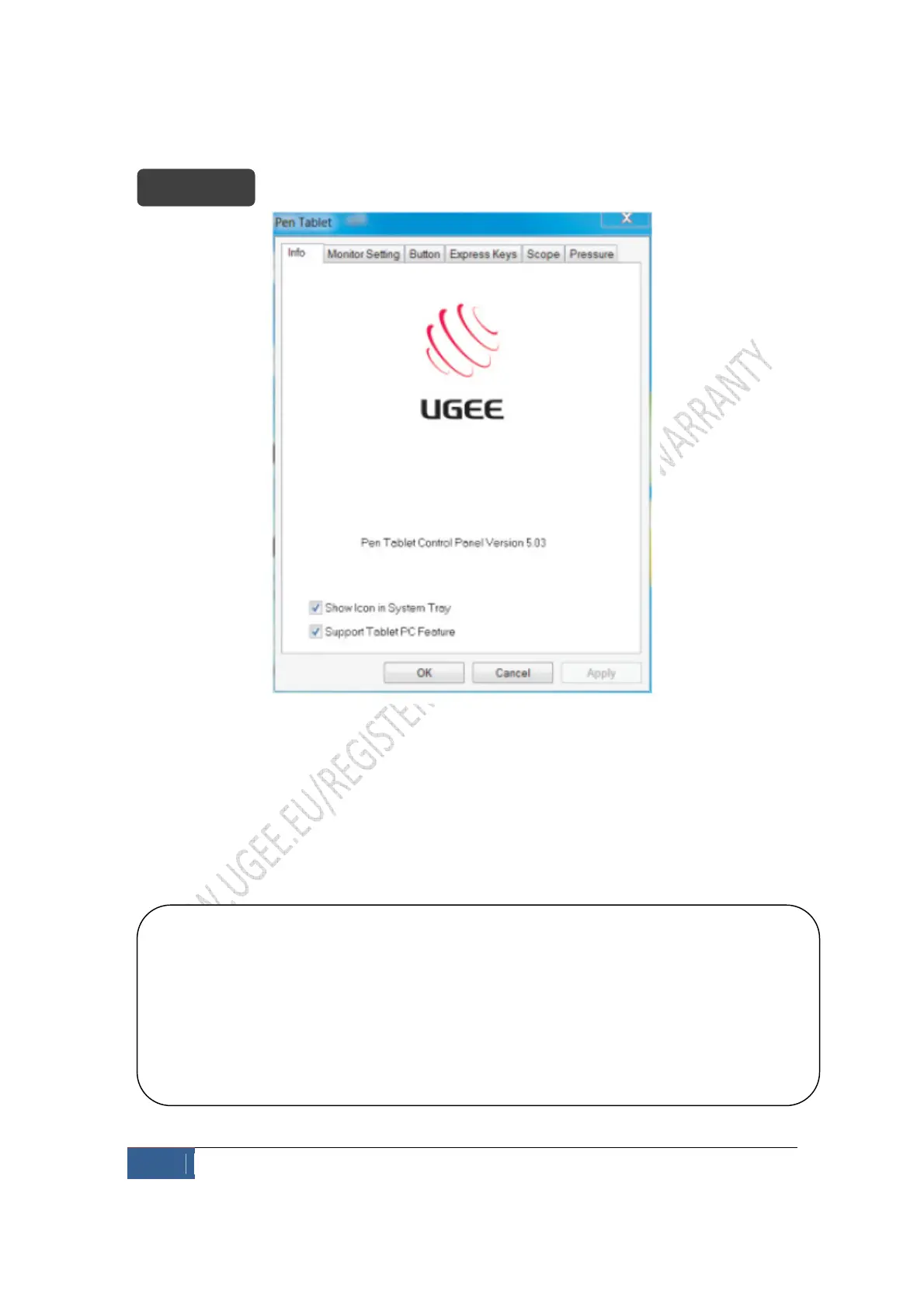
1. Control Panel Version
Displays basic information about the tablet and driver version
2. Support tablet PC
Tick ”Support Tablet PC Feature” will enable the tablet to support tablet PC ink function
contained in Windows system.
Note:
1. Tablet PC ink includes Windows Journal, StikyNot, Tab Tip of Tablet PC, Microsoft Office ink
and other software supporting Tablet PC ink contained within the system
2. If you don’t want to use Tablet PC ink function, it is recommend that you uncheck the
option.


 To Next Page