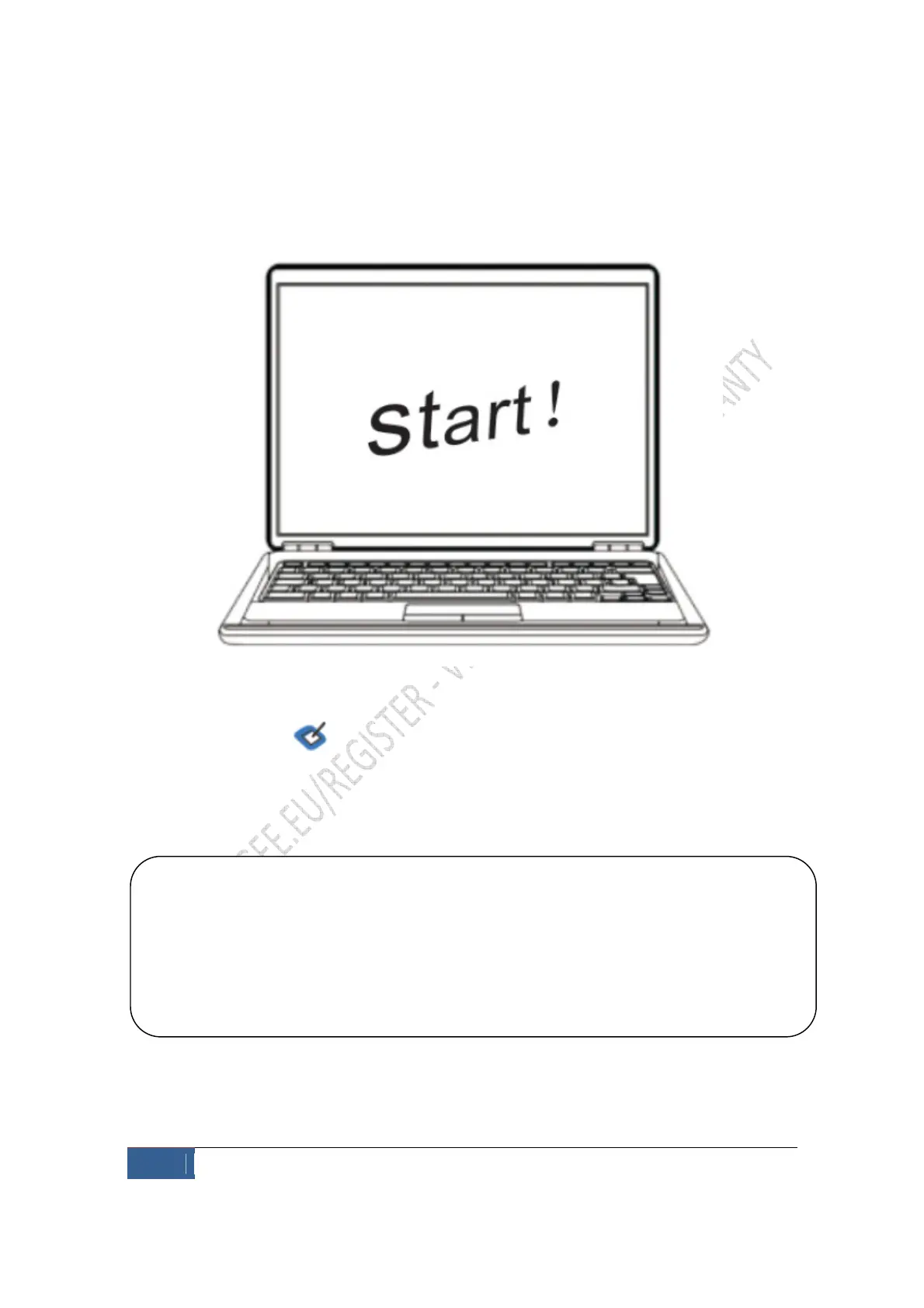
After installation, the icon should show on your task bar, it means that the driver is
installed successfully and the tablet can be used
If the sign doesn’t show after you have installed the driver, try unplugging and re-
plugging the USB and if no icon prompts, restart your computer.
If the icon still doesn’t show on your computer, you will need to install the driver again.
Remove any files that were installed during the initial installation.


 To Next Page