- 04 -
User Guide
Note
The above illustrations are for reference purposes only. You can enter the "Displays"
for more display modes.
Display Settings for macOS
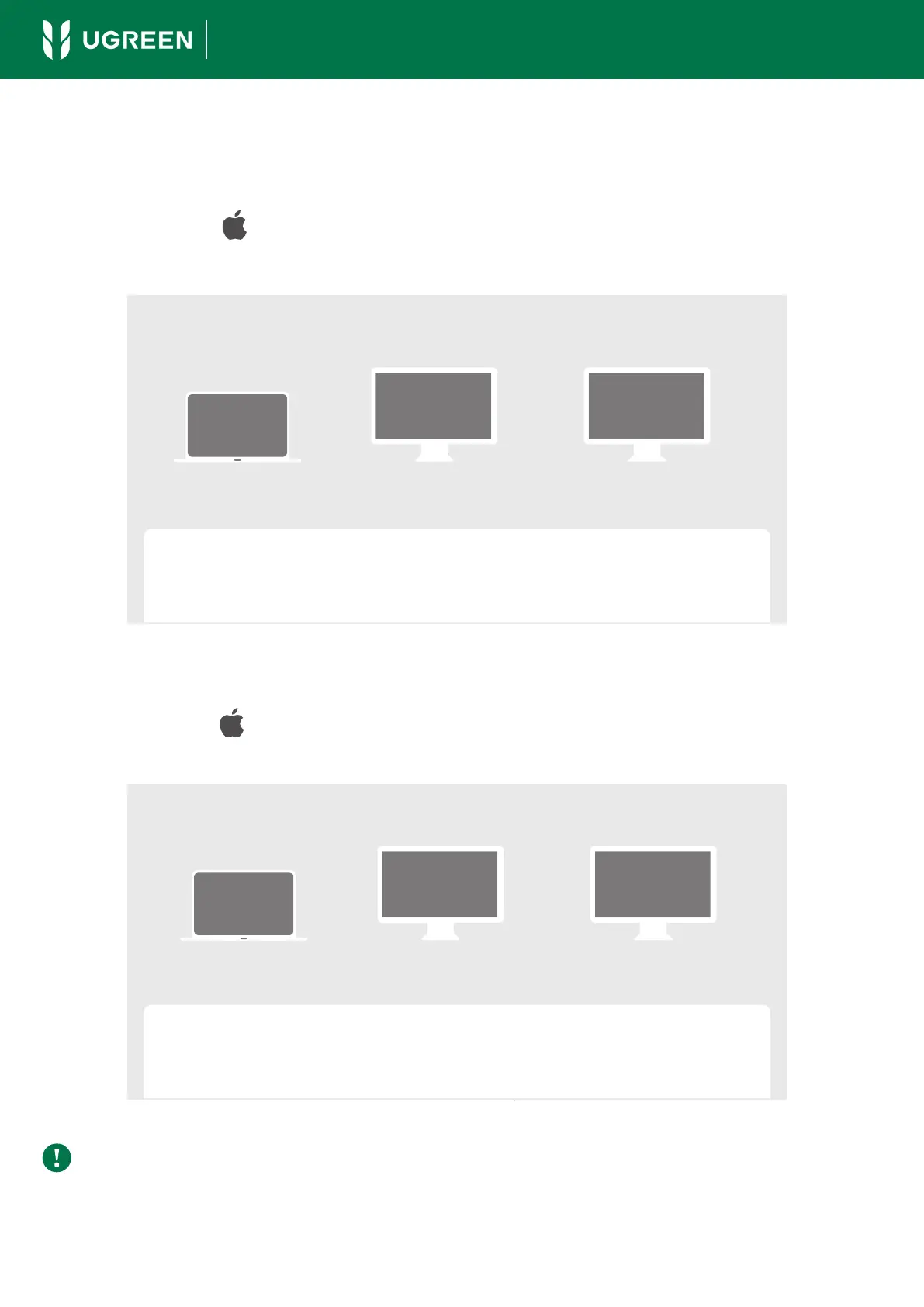
Mirror Mode
Click Apple icon " " > System Settings > Displays > check the "Mirror for Built-in
Display" option.
Extend Mode
Click Apple icon " " > System Settings > Displays > check the "Extended Display"
option.
Displays
Built-in Display
A
Thunderbolt 4 Display
A
DP or Thunderbolt 4 Display
A
Use as
Mirror for Built-in Display
- 04 -
Displays
Use as
Extended Display
Built-in Display
A
Thunderbolt 4 Display
B
DP or Thunderbolt 4 Display
C



 To Next Page