VIDEOSTUDIO HELP
Table of Contents | Index Back 104
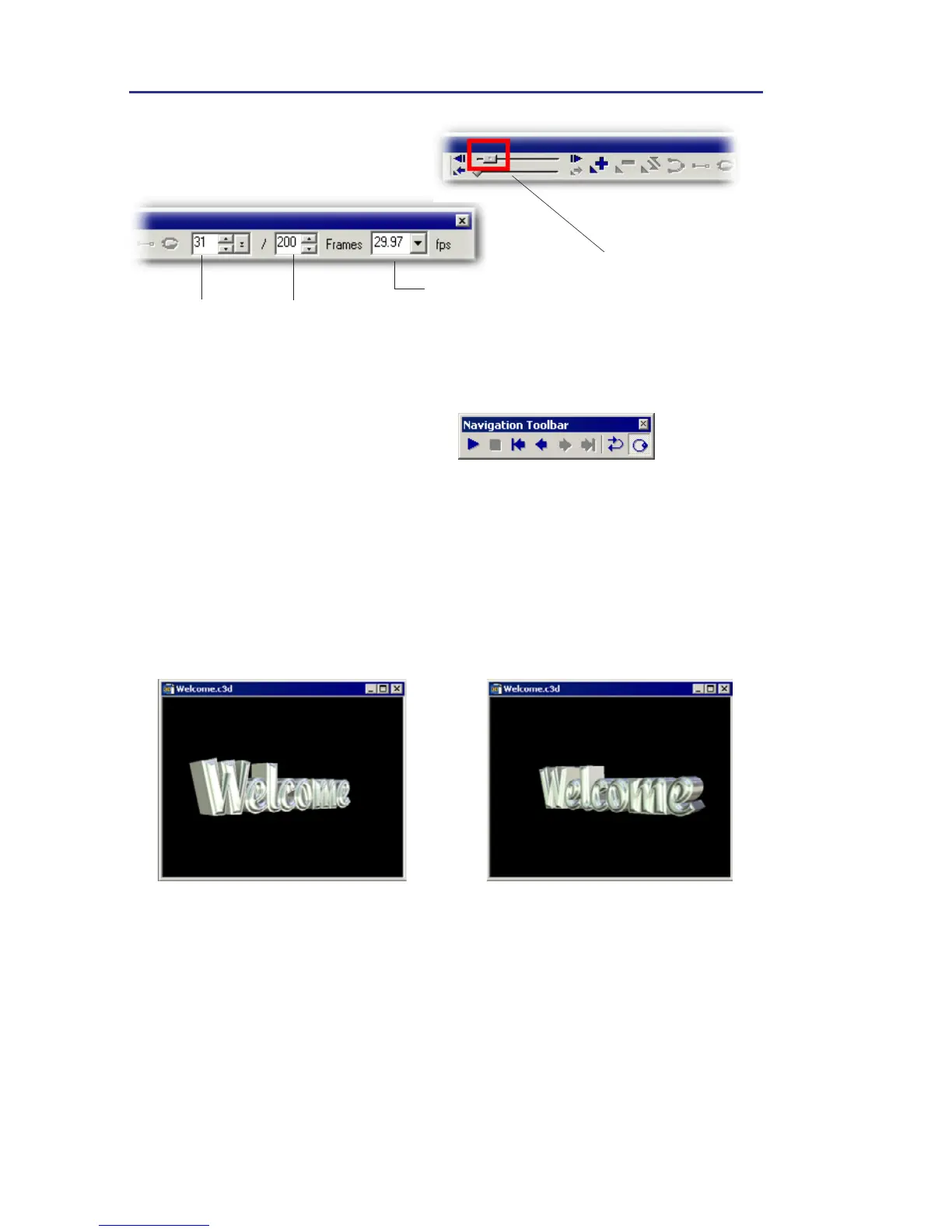
Number of frames
Frames per second
Drag the bar to move
between frames.
First frame
Last frame
Current frame
7. Drag the text in the edit
window in the way you want as
a 3D title, or drag a text effect
from EasyPalette. Click Play in
the Navigation Toolbar to
preview the result as needed.
8. When you’re done, select File:
Save (As) to save it as a COOL
3D (*.c3d) file or select File:
Create Video File to save it as
a video file.



 To Next Page