VIDEOSTUDIO HELP
Table of Contents | Index Back
75
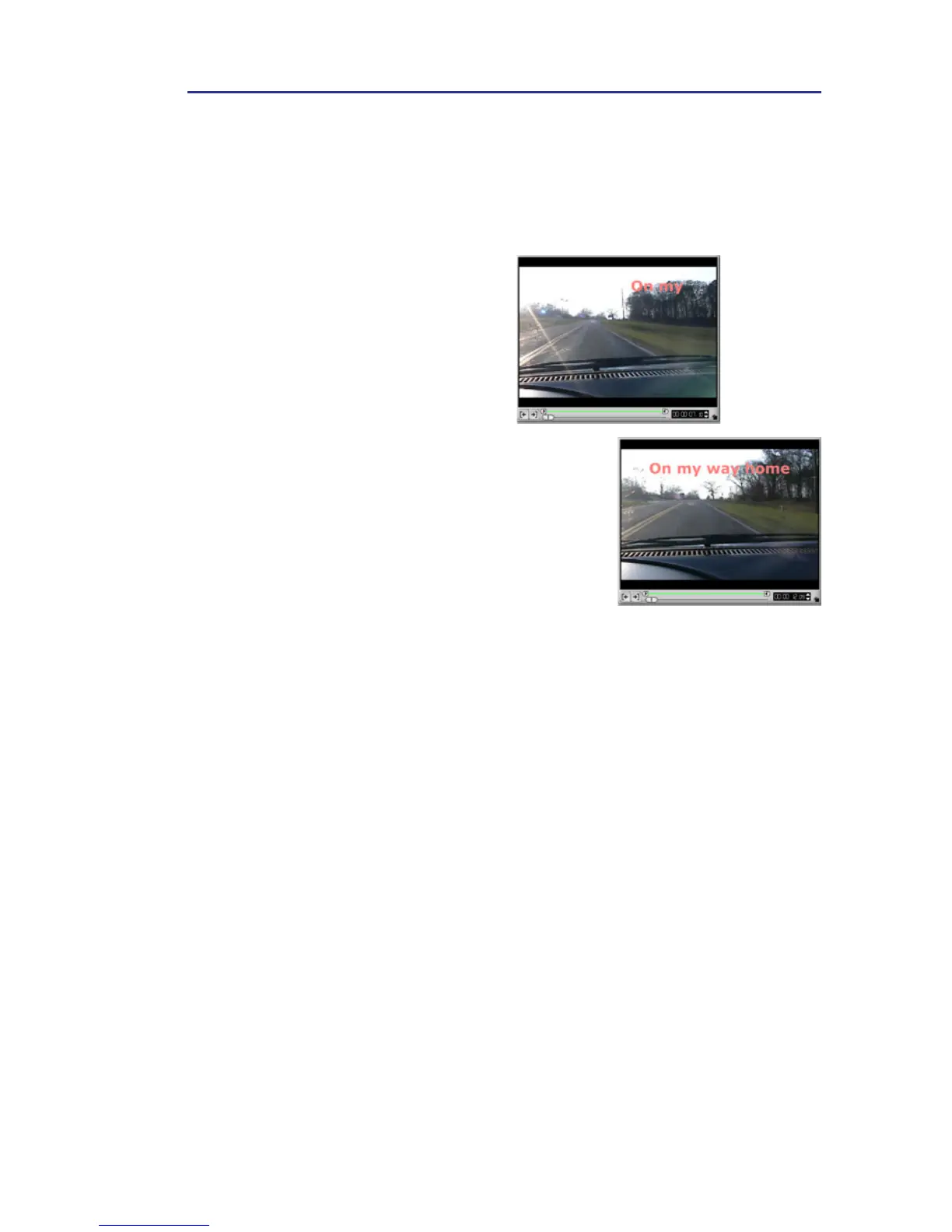
Other title animation effects
Give your title more pep by making it pop-up or turn across the
screen. The Pop-up and Tu r n effects are ideal to use in opening
credits.
To apply a pop-up/turn effect:
1. Select a title clip or create a
new one.
2. On the Animation Tab in the
Options Panel, select Pop up /
Tu rn from the Type drop-down
list. Make sure that the Enable
Animation option is selected.
3. From the Start unit drop-down
list, choose whether to animate
the title on a Text, Word , Line,
or Character basis.
4. Choose a Start position where
you want the title to enter the
screen.
If you applied the Turn effect,
also choose an End position
where you want the title to exit
the screen.
5. Click Play to preview.



 To Next Page