VIDEOSTUDIO HELP
Table of Contents | Index Back 34
Setting your preferences
The Preferences dialog box is where you can tweak the VideoStudio
program to fit your needs. To invoke this, click File: Preferences. Set
the playback method, tune the quality of previews, specify your
captured image file’s format, and more.
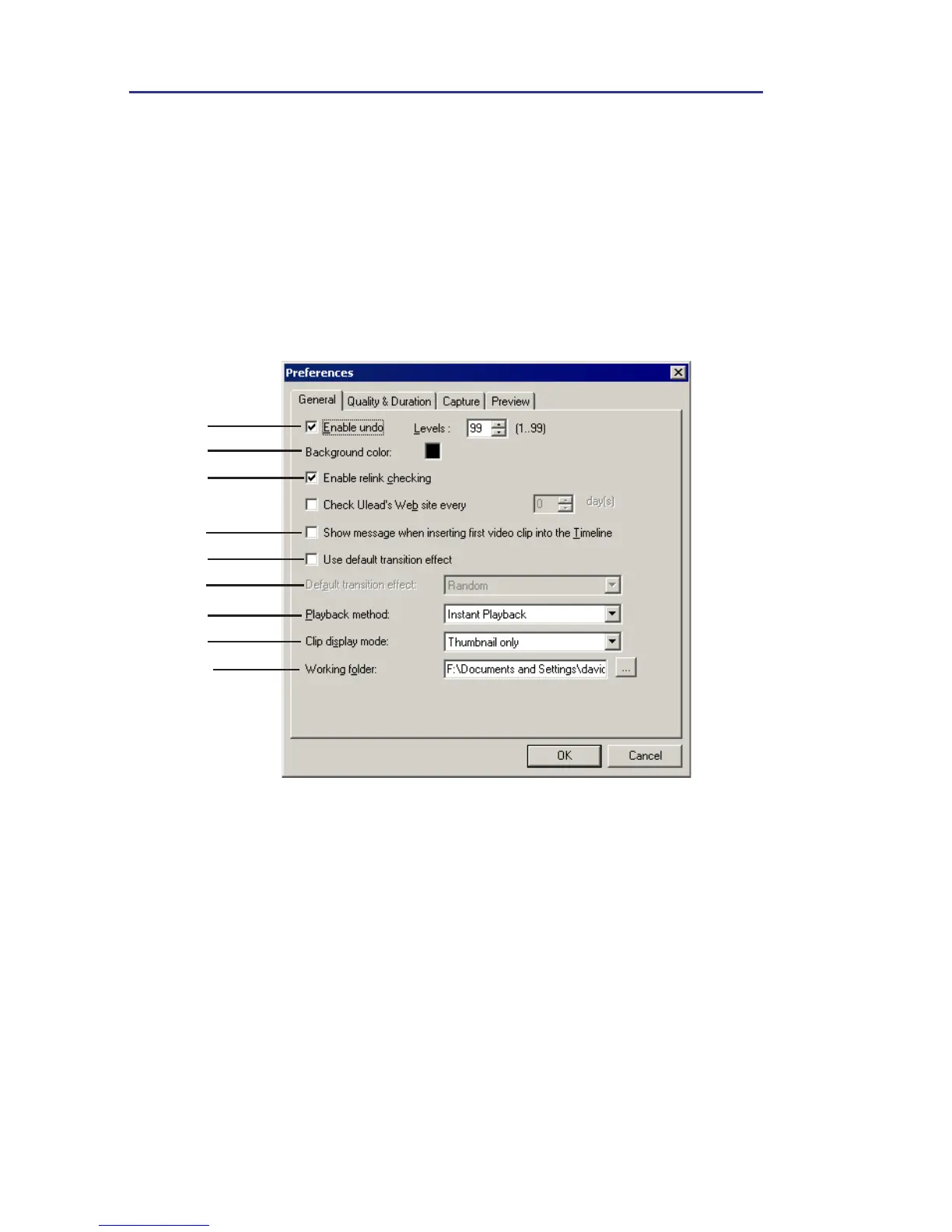
Preferences: General tab
1
2
3
4
5
6
8
9
7
1 Enable undo allows you to define the maximum number of times you
can take back an action. Values range from 0-99.
2 Background color specifies the background color from a group of
presets.
3 Enable relink checking automatically performs a crosscheck between the
clips in the project and their associated source files, allowing you to relink
the source files to the clips. This is important when the file in the Library
is moved to another folder location.



 To Next Page