VIDEOSTUDIO HELP
Table of Contents | Index Back
11
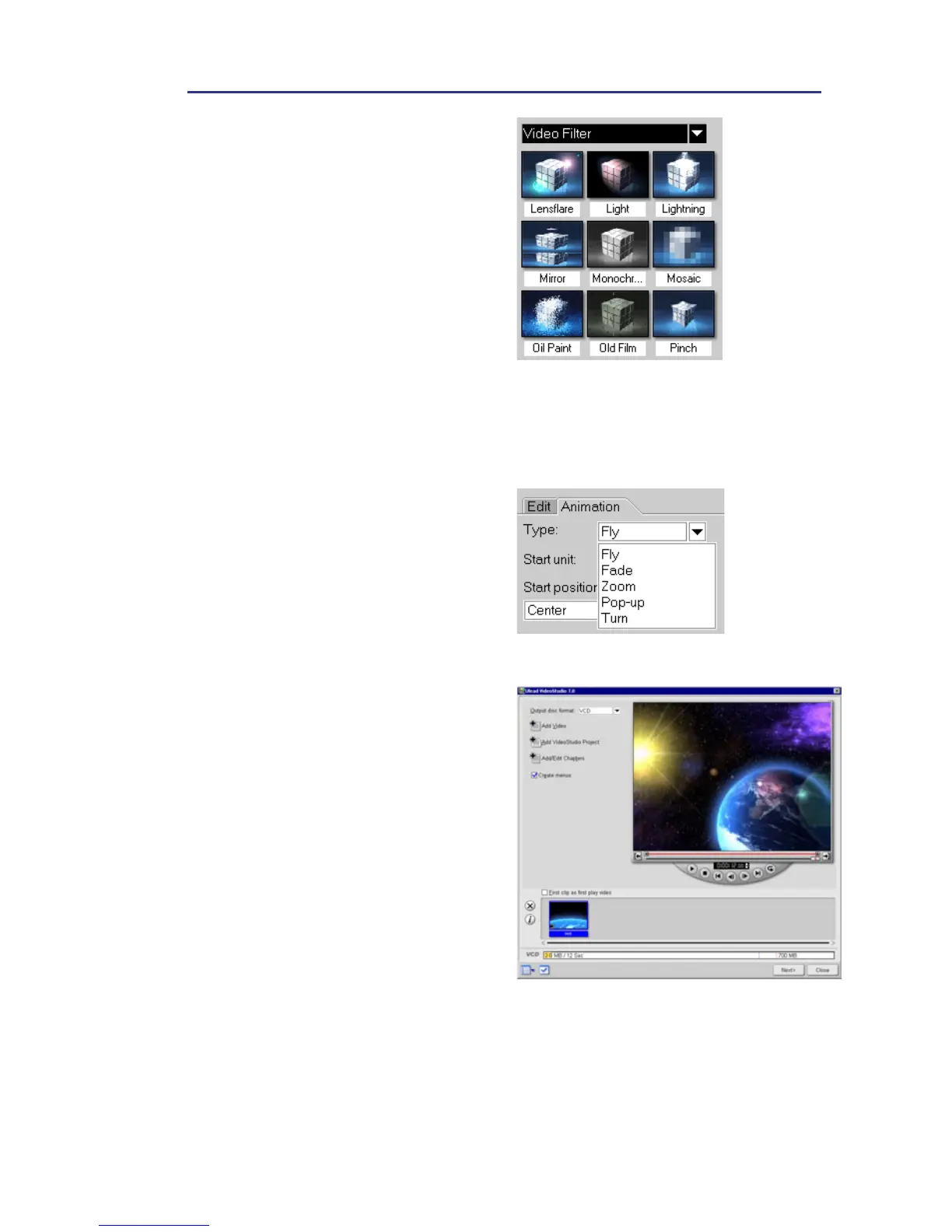
• New Video Filters
Five new filters are being added
to VideoStudio’s already huge
selection, expanding your ability
to give your video a creative flair
like (like making your video look
like an old movie with the Old
Film effect). Also includes
Lightning, Lens Flare, Comic and
Bubble effects.
In addition, video filters are now
fully key-frameable. This allows
you to customize a video filter at
any point in a video clip.
• Enhanced Title Animation
VideoStudio provides you with
more ways to make your titles
come alive. Add your favorite
captions, subtitles, popup titles,
and compose end credits like
you find in theatrical films.
• DVD Authoring Wizard
By integrating a DVD
authoring wizard into
VideoStudio, you can now
create a DVD, SVCD or VCD
complete with interactive scene
selection menus and
background music.
• Play Back DV Type-2 Video to
DV Camcorder
VideoStudio's DV Smart
Playback feature now supports
DV Type-1 and Type-2 video
files. Both types can be played
back to a DV camcorder.



 To Next Page