VIDEOSTUDIO HELP
Table of Contents | Index Back 26
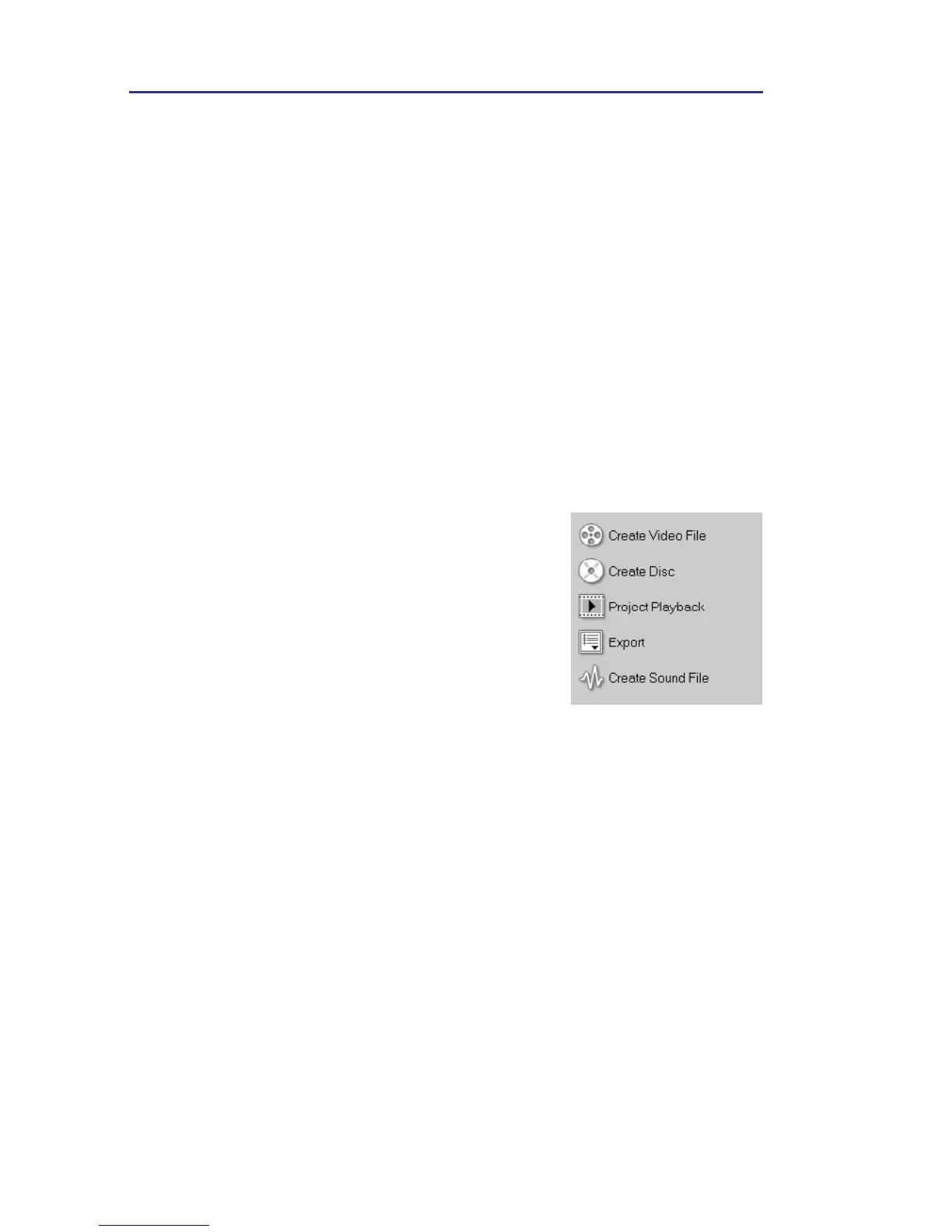
Share Options Panel
• Create Video File: Creates a video file of your
project.
• Create Disc: Invokes the DVD authoring
wizard and allows you to burn your project in
DVD, SVCD or VCD format.
• Project Playback: Clears the screen and
displays the whole project or a selected
segment against a black background. It can
also output to a videotape if you have a VGA
to a TV converter, camcorder, or a video
recorder connected to your system. It also
allows you to manually control the output
device when recording.
• Export: Provides you with a number of ways
to export and share a video file. A video file
can be exported to a Web page, converted to
an executable greeting card, and sent by e-
mail. It can be exported to Ulead DVD-VR
Wizard for burning to DVD-RAM. You can
also directly output a video file to your DV
camcorder and record it onto a DV tape.
• Create Sound File: Allows you to save the
audio segment of your project as a sound file.
• Duration: Displays the duration of the audio
track in hours:minutes:seconds:frames. You
can also pre-set the length of the recording by
entering the desired duration.
• Clip volume: Adjusts the volume level of the
recorded clip.
• Fade In: Gradually increases the volume of
the clip.
• Fade Out: Gradually decreases the volume of
the clip.
• Properties: Displays the attributes of a
selected clip.



 To Next Page