VIDEOSTUDIO HELP
Table of Contents | Index Back 6
Thank you for purchasing VideoStudio 7, the video editing software
that allows even beginners to come up with professional-looking
movies. It provides you with a complete set of tools to cut, mix, run
clips, add special effects, and do almost anything digitally possible
with your work.
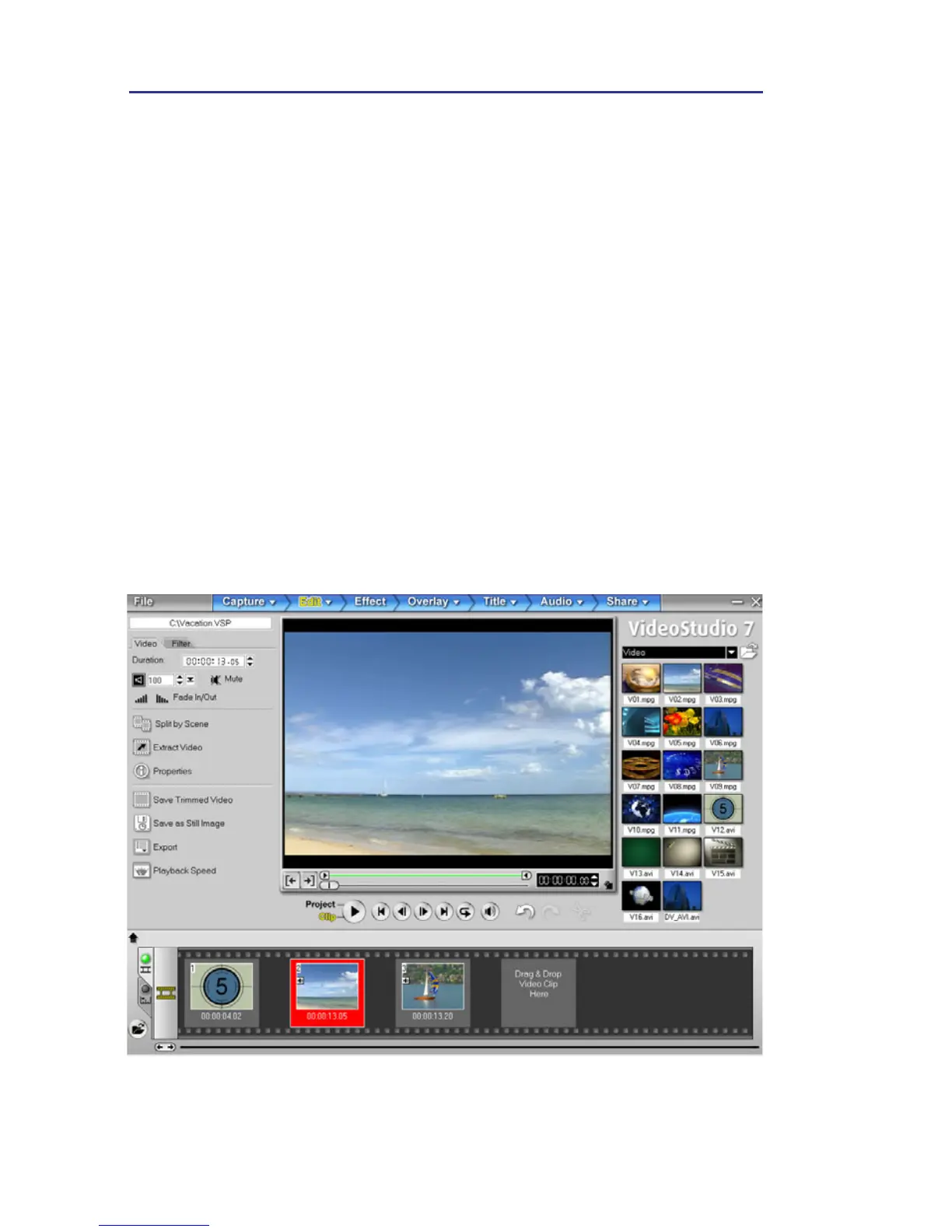
This user guide was produced to assist you as you navigate through
the program and learn basic operating procedures. It will familiarize
you with the program interface and workflow. Most importantly, it
will provide you with easy-to-follow procedures for every
videoediting task that you need to accomplish.
Although little experience in actual video production is required from the
user to understand this manual, it may prove useful to acquire relevant
information from other sources, including Ulead’s tutorials on the basic
aspects of video. For details, please visit Ulead’s Web site at
www.ulead.com.
Ulead VideoStudio



 To Next Page