VIDEOSTUDIO HELP
Table of Contents | Index Back
71
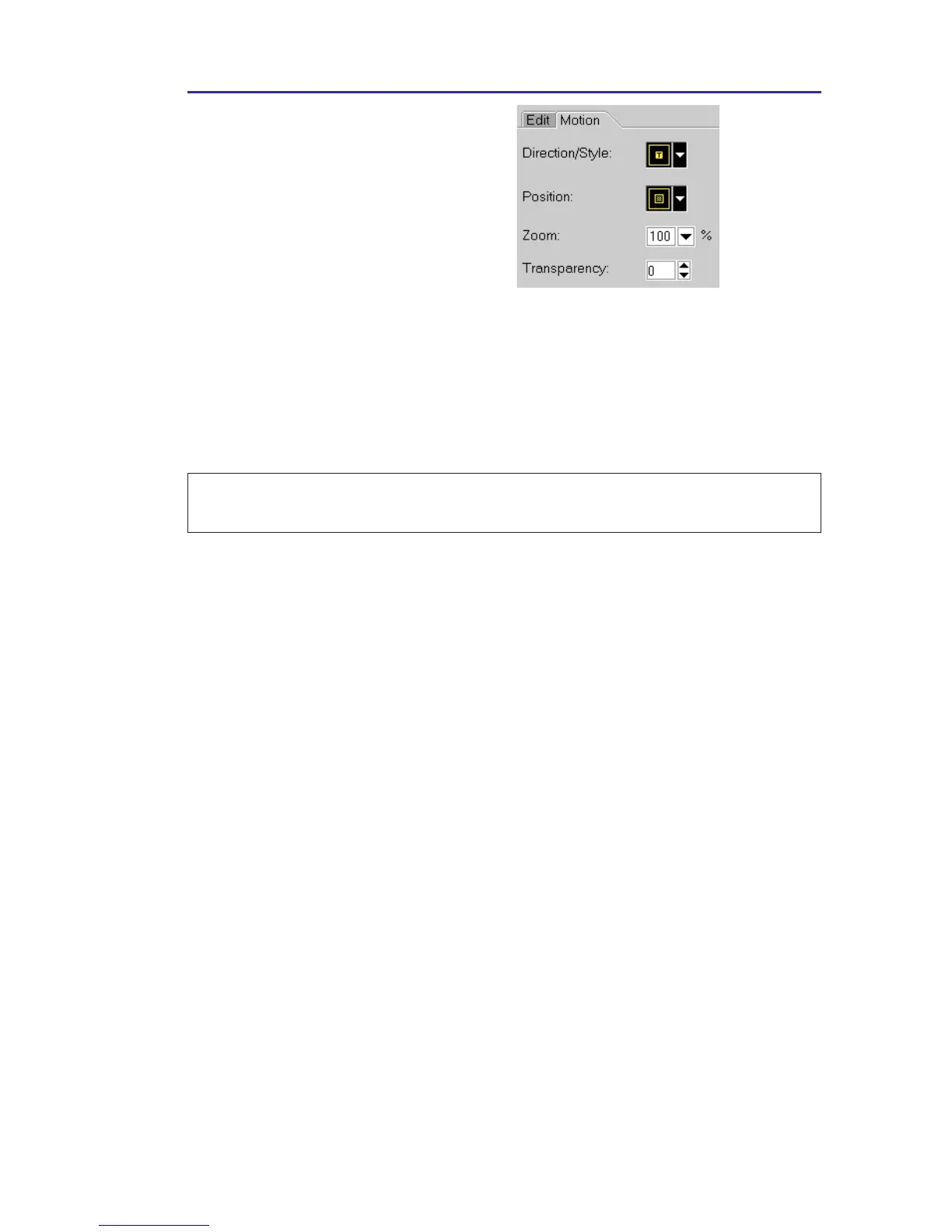
2. Click the Motion Tab, and
apply a motion style to create a
blending effect between the
selected clip and the clip
simultaneously running in the
Video Track.
Note: Just like in the Title Step, the Overlay Step does not support drag and
drop of multiple clips.
To make Overlay clips with transparent backgrounds, you can create
a 32-bit alpha channel AVI or Image file with an alpha channel. You
can further achieve your desired effects by using the Motion Tab.
Here, you can apply motion styles, set the position of your clip on
the screen, magnify or reduce it, and control its transparency level.



 To Next Page