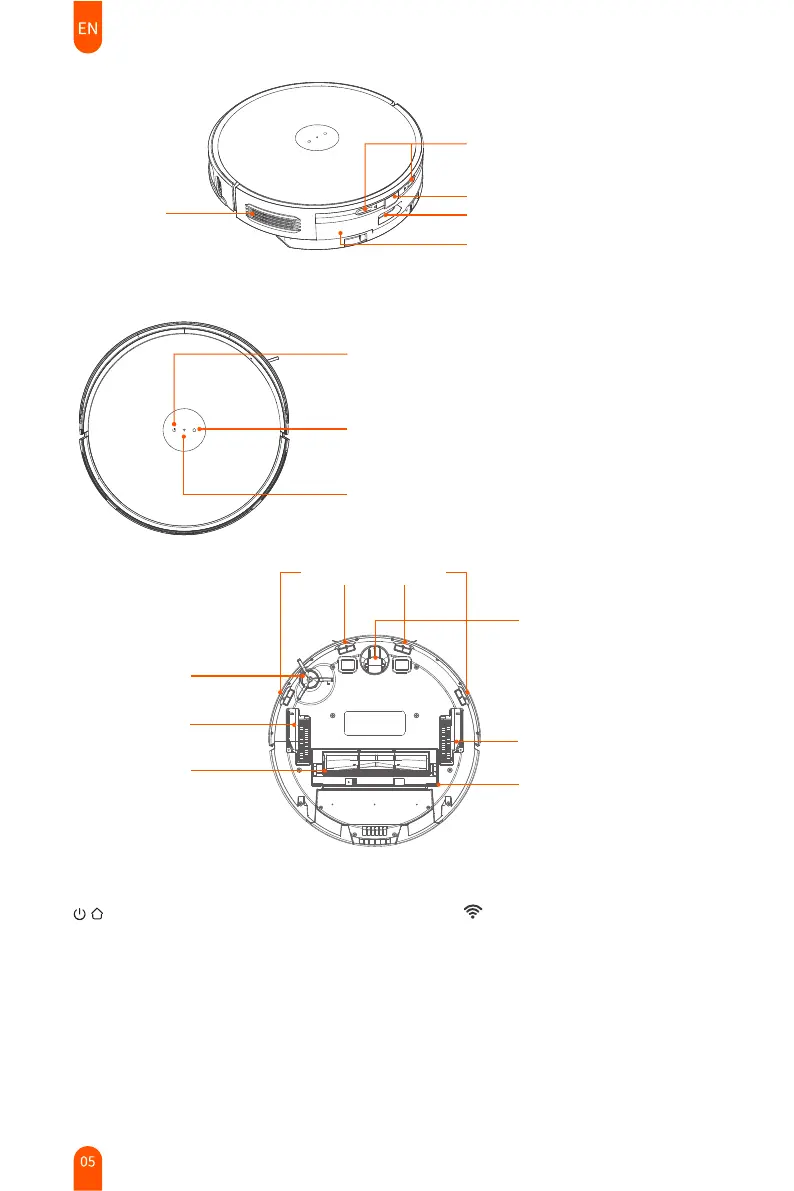
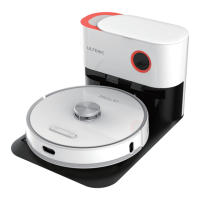
Charging contacts
Dustbin release button
Dust collection port
Air outlet
2-in-1 dustbin & water tank
Cliff detect sensors
Side brush
Omnidirectional wheel
Left wheel
Rolling brush
Right wheel
Brush cover
Buttons
• Flashing blue light: Powering on/upgrading firmware
• Solid blue light: Powered on/normal working state
• Flashing yellow light: Low battery/recharging
• Flashing green light: Charging
• Solid green light: Fully charged
• Flashing red light: Error state
• Light off: Power off/sleeping
Power button
• Long press to turn on / off
• Short press to start / pause cleaning
Home button
• Short press to start/pause recharging
WiFi Indicator
WiFi Indicator
• Flashing white light:
Configuring network
• Solid white light: Connected


 To Next Page