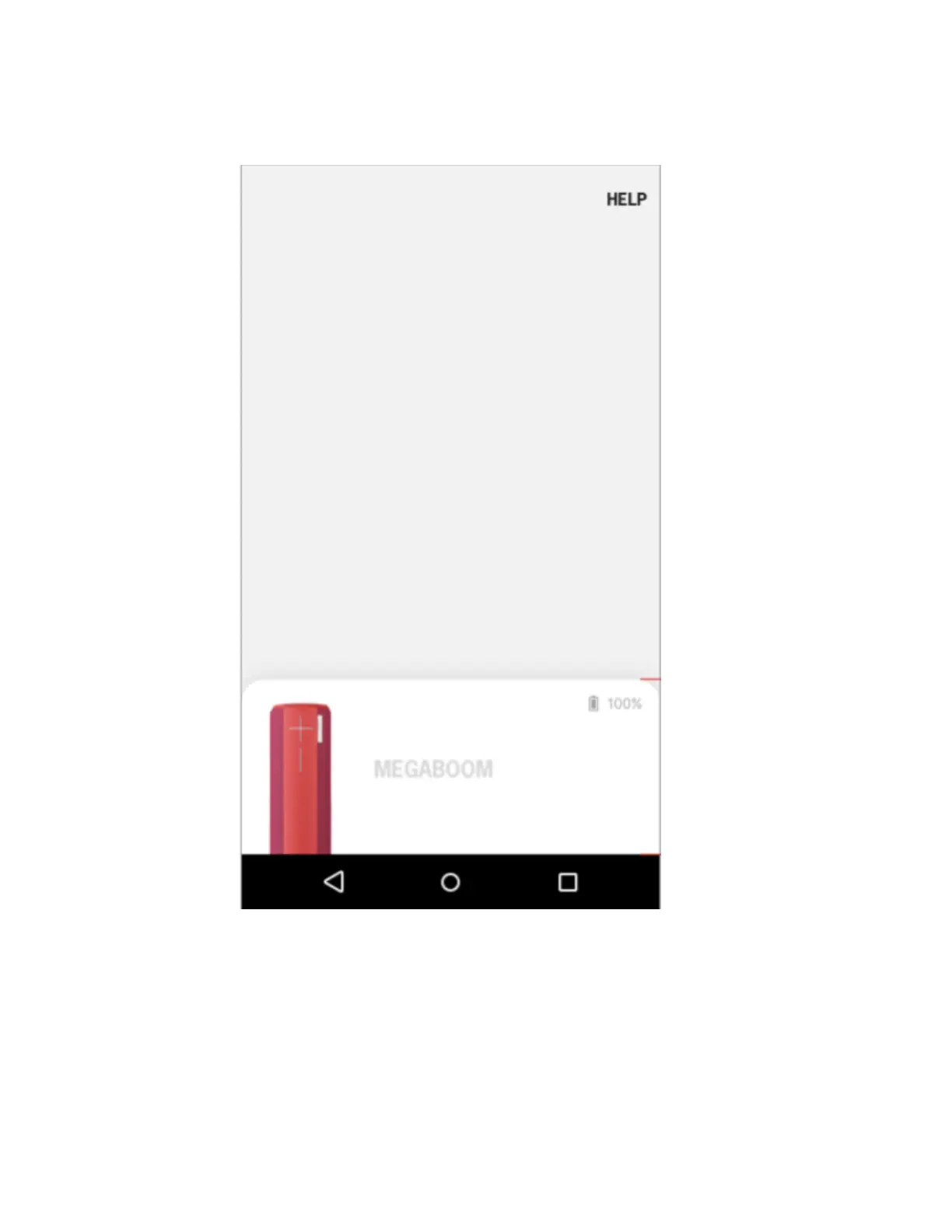
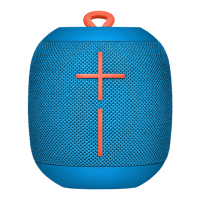
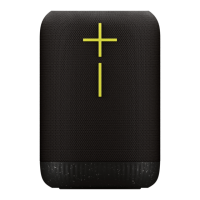
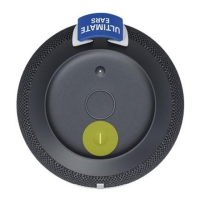
Launch the app. Your speaker should show on the app’s speaker list. If you
have only one speaker, then the app will land directly on the speaker home
screen.
Tap the top, right gear icon to view speaker settings, verify that your
speaker’s firmware is up-to-date. If not, then tap “Update Now” to update
your firmware. Once firmware is up-to-date, exit settings and return to
speaker home screen.



 To Next Page