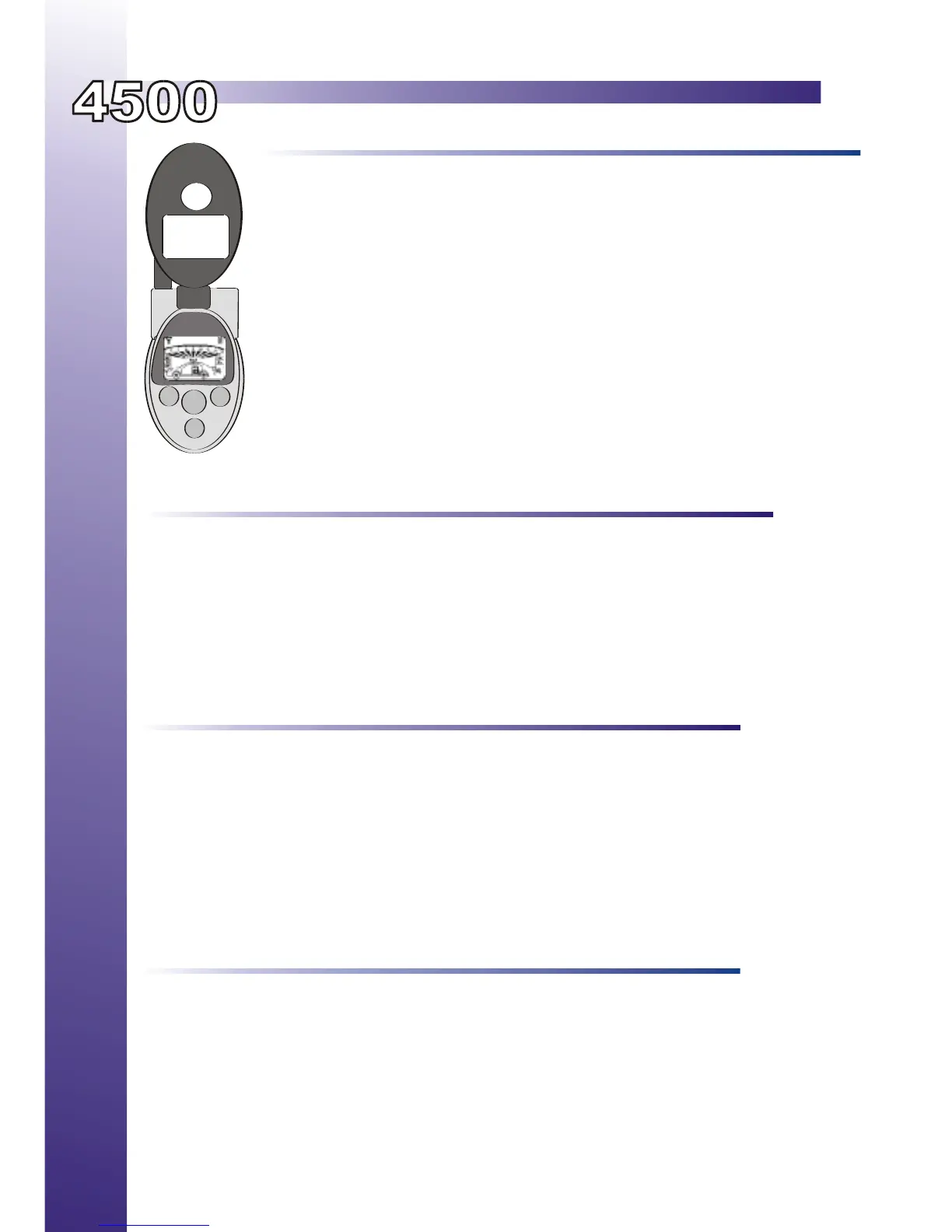
Owner’s Guide
Press once to lock the doors and arm the alarm system.
Press 2nd time and hold for Constant Lock Output.
Press and hold for 3 seconds to activate Panic Mode.
Press once to unlock the doors and disarm the alarm system.
Press Once to disable Panic Mode.
Press and hold for the Trunk Release / Aux Output.
Press Once for Start - (2 Times if programmed for Safety Start Mode)
Press and hold for 3 seconds while running to turn off the remote starter.
While running with the key, press the button to activate Idle Mode.
Hold for 3 seconds to enter User Programmable Mode.
Press and release button #4 then press and hold button #3 for three seconds to activate the
Timer Mode
Press both buttons for 3 seconds to activate Car Finder Mode.
Press and hold both Buttons to activate the optional 5th Channel output. (Programmable)
Press and hold both Buttons to activate the optional 4th channel output.
Transmitter Operation
1
2
3
4
1
2
3
4
2&3
3&4
PARK LIGHTS STATUS LED DIAGNOSTIC CODE
3 Flashes Series of 3 Flashes Door Opened “M” Models
3 Slow Flashes No Flashes Attempted Start In Service Mode
4 Flashes No Flashes Hood Or Brake Active Before Start
4 Slow Flashes Series of 4 Flashes Not in Reservation Mode “M” units
5 Flashes Series of 5 Flashes Hood Pin Grounded While Running
6 Flashes Series of 6 Flashes Brake Pedal Shutdown
7 Flashes Series of 7 Flashes Tach Lock-Out
8 Flashes Series of 8 Flashes 3 Start Attempts with no start
Diagnostics
Timer Mode (Selecting Start Interval / Temperature)
Quick Timer (Selects Last Programmed Start Interval/Temperature)
1.Press & release button #4, then press and hold button #3 for 5 seconds, the park lights will turn “On”.
2. While the parking lights are “on” the start cycle can be selected.
1 hour cycle or 0C Press button #1 1 Park light flash
2 hour cycle or -5C Press button #2 2 Park light flashes
3 hour cycle or -15C Press button #3 3 Park light flashes
4 hour cycle or -25C Press button #4 4 Park light flashes
3. The system will start vehicle at selected start cycle for a period up to 24 hours.
1. Enter Transmitter Program Mode. (Hold Button #4 for 3 seconds)
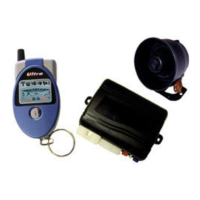
2. The Telephone Icon will begin to flash on the LCD screen.
3. Press Button #3 and the Telephone Icon will come on solid and the key Icon will begin to flash.
4. Press Button #4 to exit Transmitter Program Mode.
5. The remote starter will now start in the last programmed start interval.
To Disable The Timer Mode:
- Turn the ignition key is turned to the “On” position.
- Enter Transmitter Program Mode and turn the Telephone Icon Off.
- Press Button #3 then press and hold Button #4 for 5 seconds. The park lights will flash twice.
Note: Timer Mode will disable automatically after a 24 hour period.


 To Next Page