17
TV MODE TELETEXT OPERATION
Teletext is a service offered by some
broadcasters which is provided with
the video and audio signals.
Teletext Operation
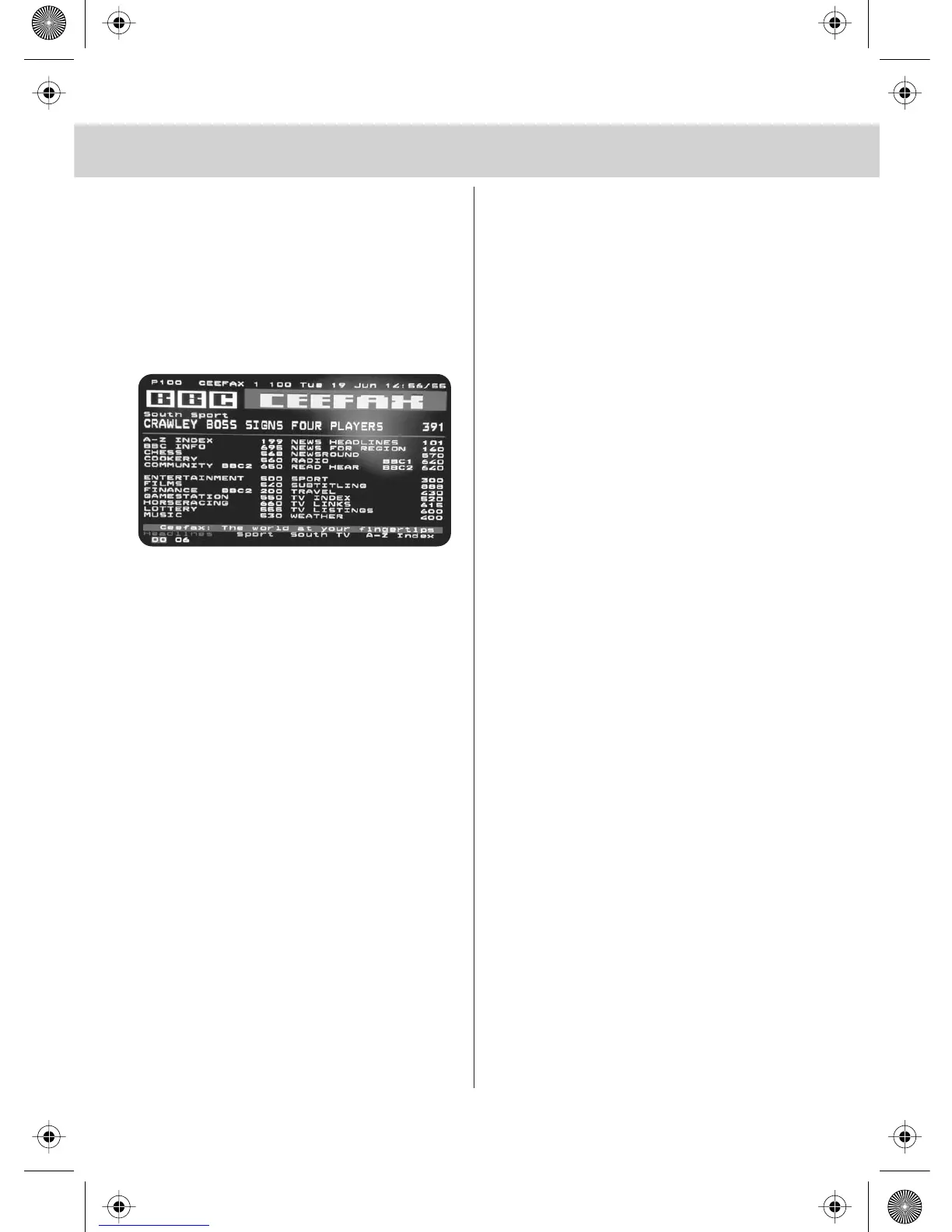
1) Press [TEXT], after a few seconds
teletext page 100 should appear.
Here is an example of BBC1
2) You can now navigate to the page
you require in a number of ways:
a) Press the page you require using
the number buttons i.e. page 302,
by pressing [3][0][2]
b) Press the colour buttons, these will
take you to page indicated on screen
for each colour
c) Press [PGDN] or [PGUP] these will
take you to next page. i.e. if you
are on page 150 and you press
[PGDN] the page will switch to 149
3) To exit Teletext press [TEXT] at any
time
Other buttons
[SIZE] this increases or decreases the
size of the text on screen
[INDEX] some pages are more than one
page long this button displayes
the number of pages
[REVEAL] if there is answer or something
hidden this will display it
[SUBPAGE] displays the sub page
if it exists


 To Next Page