13
14
2 Press the key until LCD hold full display 1 second, stop pressing it to start
working with fault status being acceleration measurement mode, USB
failure to communicate and automatic power-off status; if LCD screen
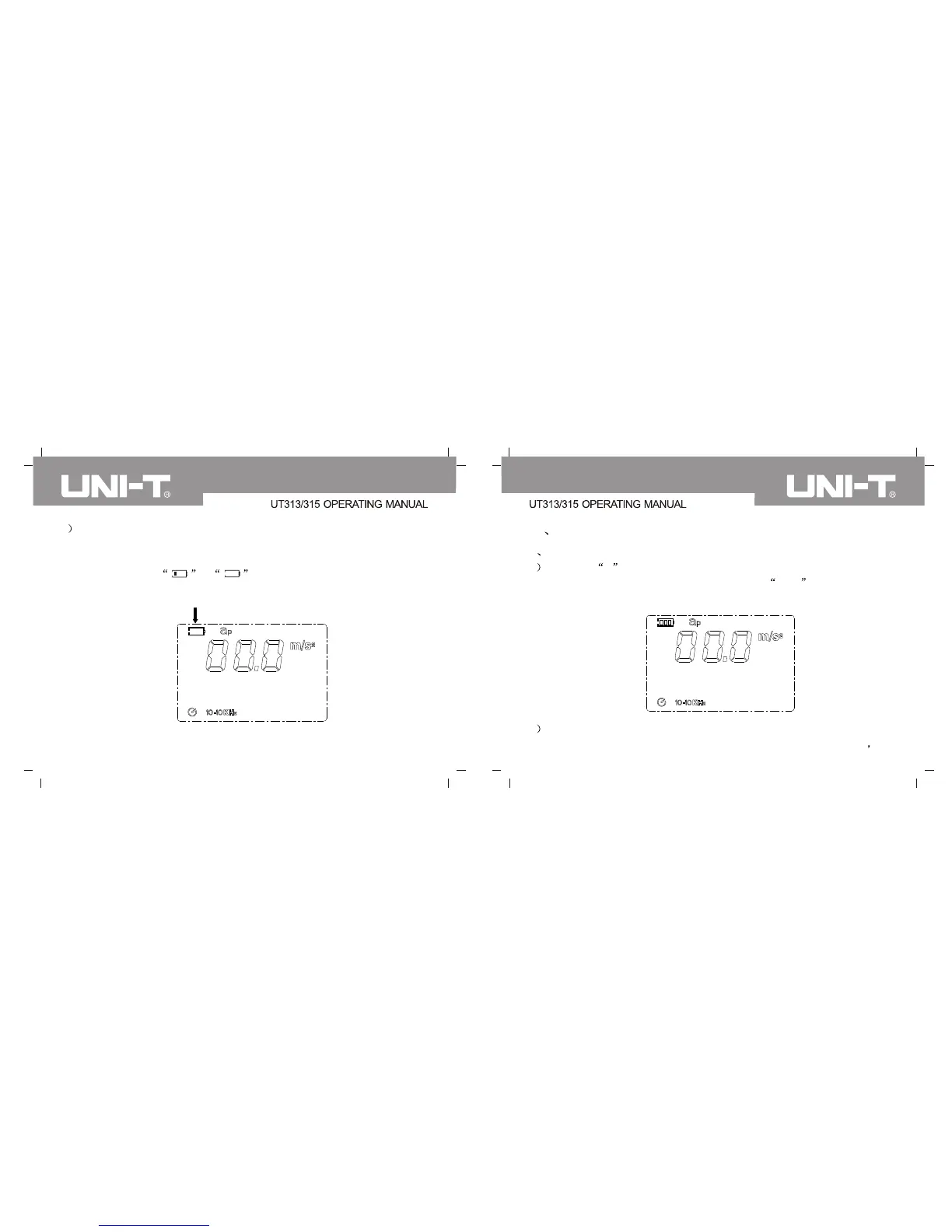
displays symbol or , please replace battery timely as
shown in the following illustration.
Press POWER key to power off immediately.
IX Function operation instruction
1 Acceleration measurement:
1 Press key A to enter into acceleration measurement mode with fault
status being acceleration measurement mode m/s2 ,LCD screen shall
display aP; indicators of 10-10kHz and m/s2 are as follows:
2 Use probe to measure object according to the selected way and
measurement result shall display in data value display area of LCD


 To Next Page