Title
Overview
Unpacking Inspection
Safety Information
Rules For Safe Operation
International Electrical Symbols
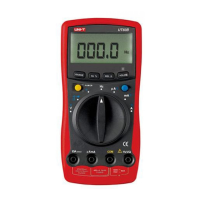
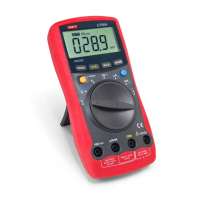
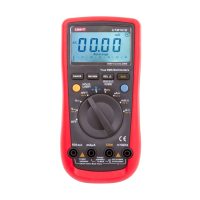
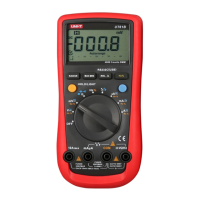
The Meter Structure
Rotary Switch
Functional Buttons
Display Symbols
Measurement Ranges
A. Selecting a Measurement Range
B. Manual Ranging and Autoranging
Measurement Operation
A. AC & DC Voltage Measurement
B. Measuring Continuity, Diodes &
Resistance
C. Frequency & Revolution (RPM)
Measurement
D. DC or AC Current Measurement
Turning on the Display Backlight
The BLUE Button
The RS232C Button
Operation of Hold Mode
Full Icons Display
Sleep Mode
Analogue Bar Graph Display
General Specifications
Table of Contents
Page
3
4
5
6
8
9
10
11
13
15
15
15
17
17
19
22
24
26
26
26
27
27
27
28
29
1
Model UT60D: OPERATING MANUAL

 Need help?
 General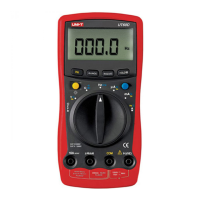

 To Next Page