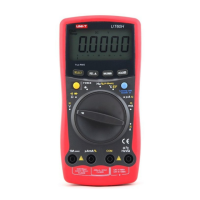
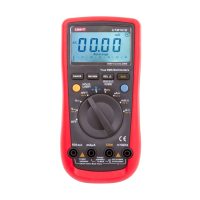
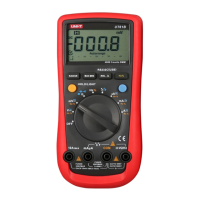
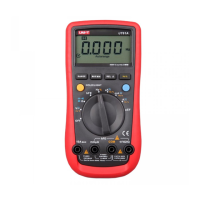
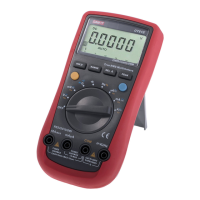
Functional Buttons (1)
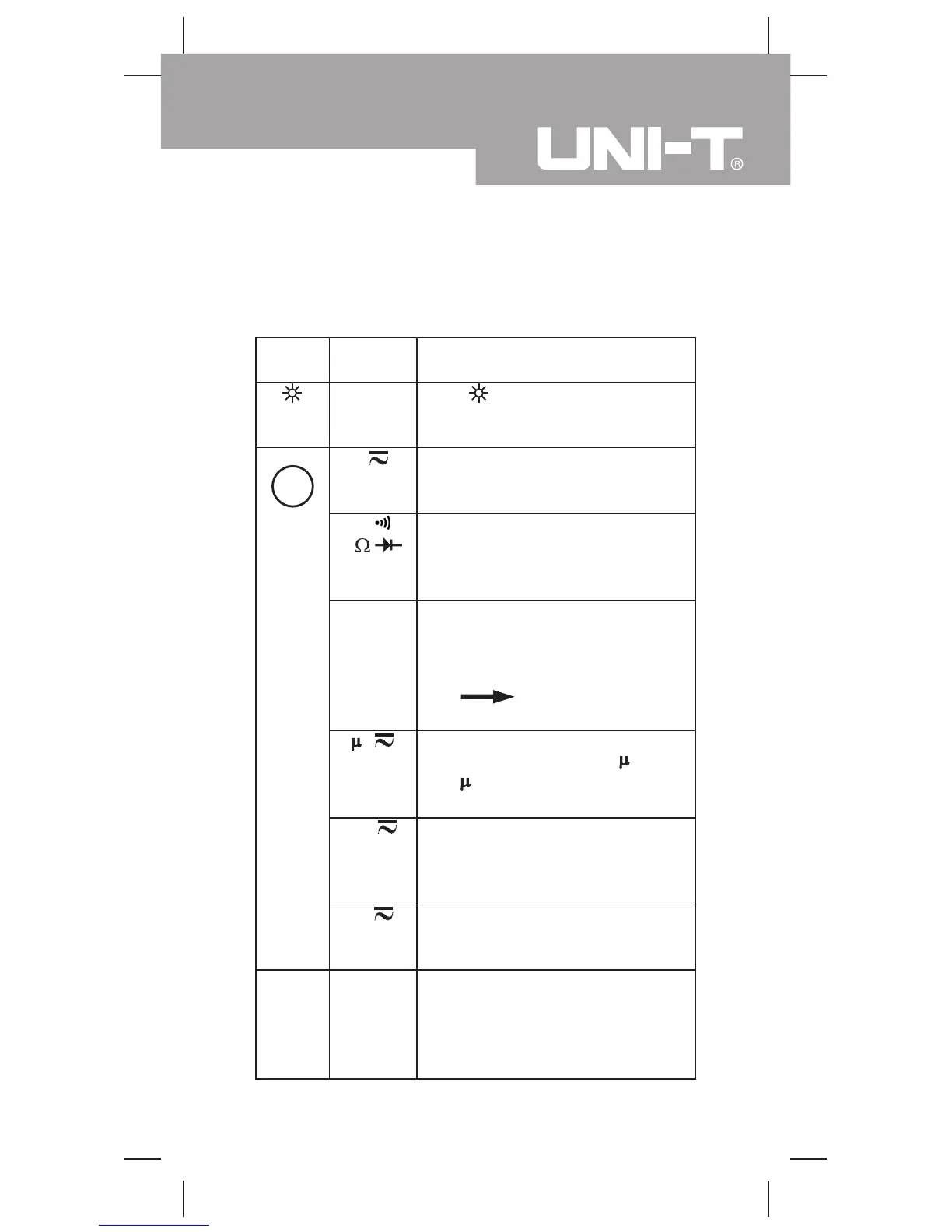
Below table indicated for information about the functional
button operations.
(BLUE)
Hz
Display
Backlight
V
Hz
HzRPM
A
Hz
mA
Hz
Hz
A
DC/AC
voltage or
DC/AC
current
Measuring
Function
Button
Press once to turn the Display
Backlight on and it shall shut off
automatically in 10 seconds later.
Switches between AC and DC
voltage; the Meter beeps. DC is
default.
Switches between continuity and
diode and resistance
measurements; the Meter beeps.
Resistance is default.
Switches between Hz unit display
and RPM unit display; the Meter
beeps.
This function is suitable for
RPM
Frequency
interchanging measurement.
Switches between AC and DC
current range from 340.0
A to
3400
A; the Meter beeps. DC is
default.
Switches between AC and DC
current range from 34.00mA to
340.0mA; the Meter beeps. DC is
default.
Switches between AC and DC
current 10.00A; the Meter beeps.
DC is default.
1. Press to start the frequency
counter; the Meter beeps.
2. Press again to return to the
previous measurement mode;
the Meter beeps.
Operation Performed
Model UT60D: OPERATING MANUAL
11


 To Next Page