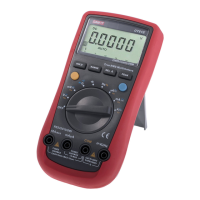
Measurement Operation (5)
l Connect the test leads to the proper terminals as
said above to avoid error display.
l The LCD will display
indicating open-circuit for
wrong connection.
l The unit of diode is Volt (V), displaying the positive-
connection voltage-drop value.
l When diode testing has been completed, disconnect
the connection between the testing leads and the
circuit under test.
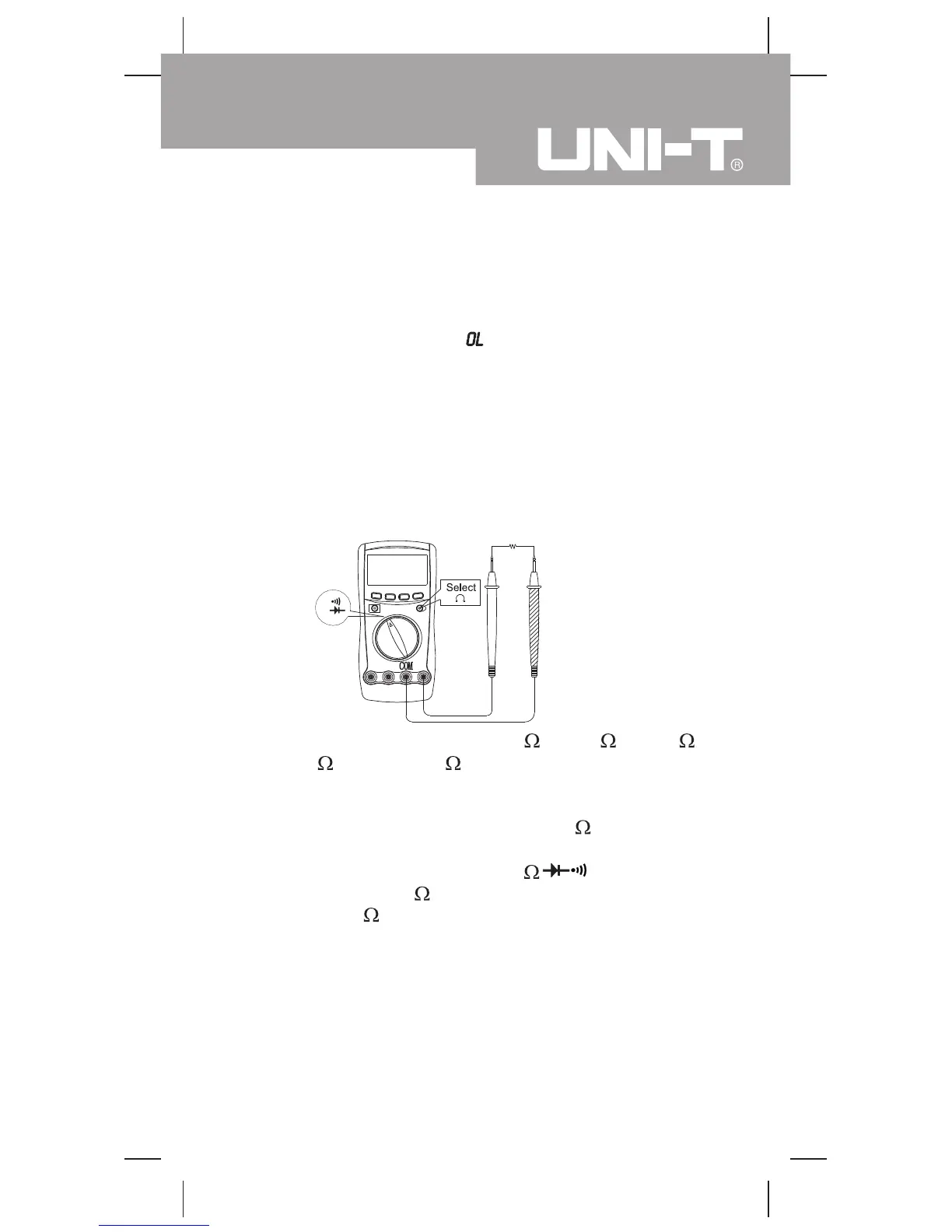
Resistance Measurement (see figure 7)
(figure 7)
The resistance ranges are: 3.400k , 34.00k , 340.0k ,
3.400M and 34.00M . To measure resistance,
connect the Meter as follows:
1. Insert the red test lead into the HzV terminal and
the black test lead into the COM terminal.
2. Set the rotary switch to
, resistance
measurement ( ) is default or press BLUE button
to select measurement mode.
3. Connect the test leads across with the object being
measured.
The measured value shows on the display.
W
blackred
Model UT60D: OPERATING MANUAL
21


 To Next Page