Service Manual UTS1000/3000 Series
Instruments.uni-trend.com 18 / 25
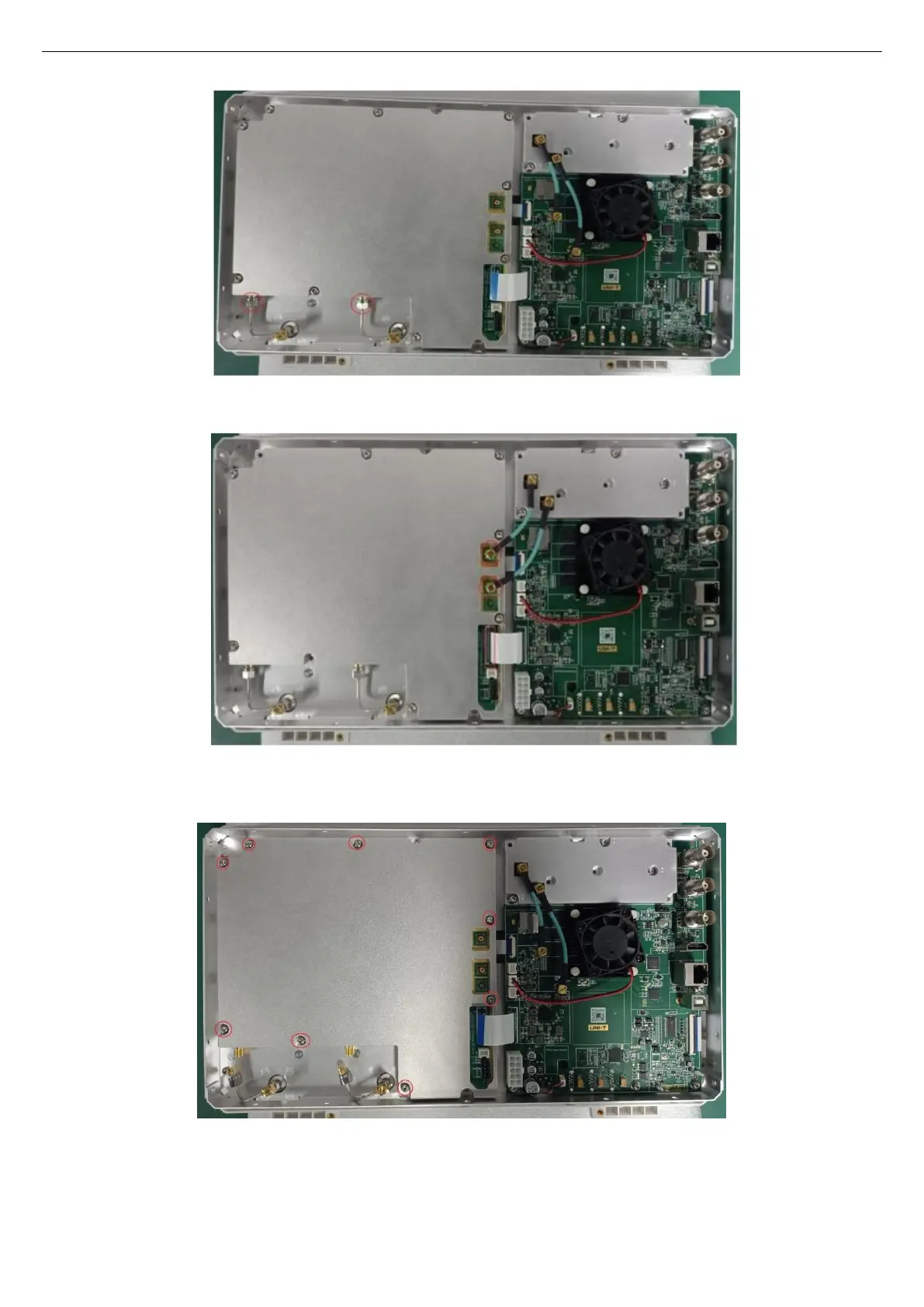
2、 Use a torque wrench to remove the SMA screws, as shown in the figure below:
3、 Use a T10 Torque screwdriver to remove the 9 screws securing the cavity of the front cover assembly,
as shown in the figure below:
4、 Take out the cavity, and use a T10 Torque screwdriver to remove all the screws fixing the RF board in
the cavity, as shown in the figure below:


 To Next Page
 Loading...