Service Manual UTS1000/3000 Series
Instruments.uni-trend.com 20 / 25
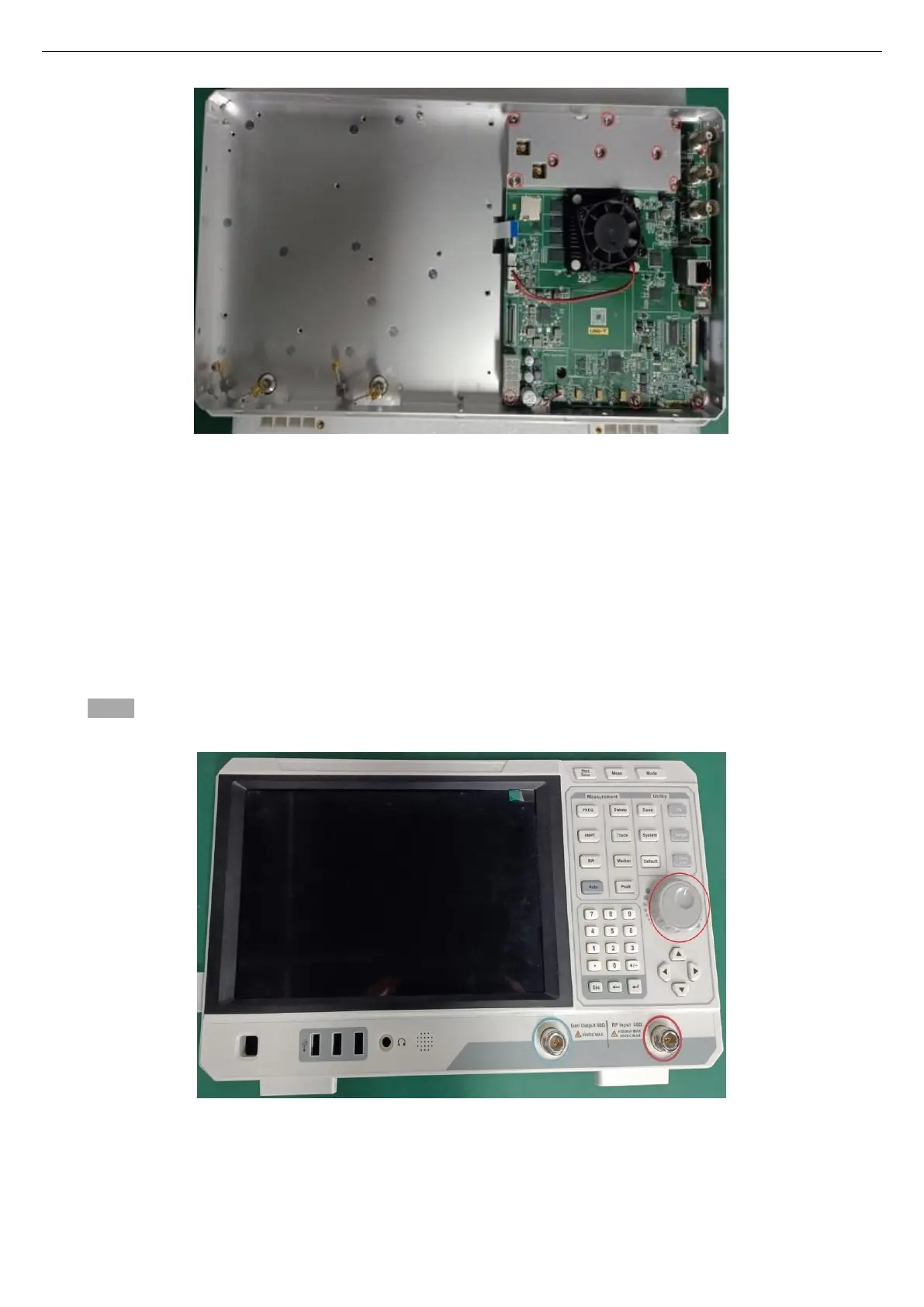
3. After removing the screws, you can take out the digital IF board;
4. To reinstall, perform the above steps in reverse.
Disassemble the cover
The following procedure describes the removal and replacement of the face-plate.
• To prevent electrostatic damage to components, wear a properly grounded antistatic wrist and foot
strap during installation, and use an antistatic mat in a tested antistatic environment.
• Remove the rear cover.
• Remove the RF board
• Removing the digital IF board
Steps:
1、 Remove the knob cap on the front panel, as shown in the figure below:
2、 Use a T10 Torque screwdriver to remove the 9 screws fixing the front cover assembly, as shown in the
figure below:


 To Next Page
 Loading...