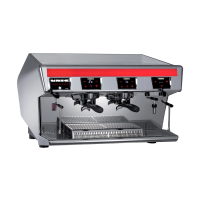
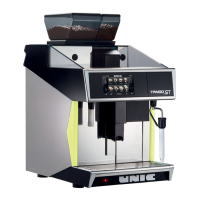
- 7 -
6.1 ELECTRONIC BOXE (type d0)
PRO
6.1a USE OF THE DOSES TO BE PROGRAMED
− 2 coffee doses and 1 manual function, Continu/Stop are available. During the infusion, it is displayed :
* 1c = 1 small cup
* 1C = 1 large cup
* C- = Continu/Stop
− At any time you can change the selection by pressing another key.
− The dosage is automatic but the infusion can be stopped manually by pressing the key Continu/Stop.
6.1b CONFIGURATION PARAMETERS
* C0 / C1 Chronometer for the infusion time
C0 = no chronometer
C1 = display of the infusion time
* A0 / A1 Authorization to program
A0 = prohibited programing
A1 = authorized programing
After switching on, the display shows the following information in order:
− The version number of the electronic memory: ex. r1
− The type of box: d0
− The active functioning parameters: ex. dn, CO, A1
6.1c MODIFICATIONS OF THE CONFIGURATION PARAMETERS
− Switch the machine off
− Press simultaneously both keys P1 and P4, and in the same time, switch again the machine on
− Press the key P4 to change the selection (ex. C0 or C1)
− Press the key P5 to change function (ex. dosage dn/dt or Chrono: C0/C1 or authorization : A0/A1)
− Switch off to leave the configuration mode or wait the automatic leaving at the end of 10s.
Continu / Stop key

 To Next Page
 Loading...