EasyManua.ls Logo

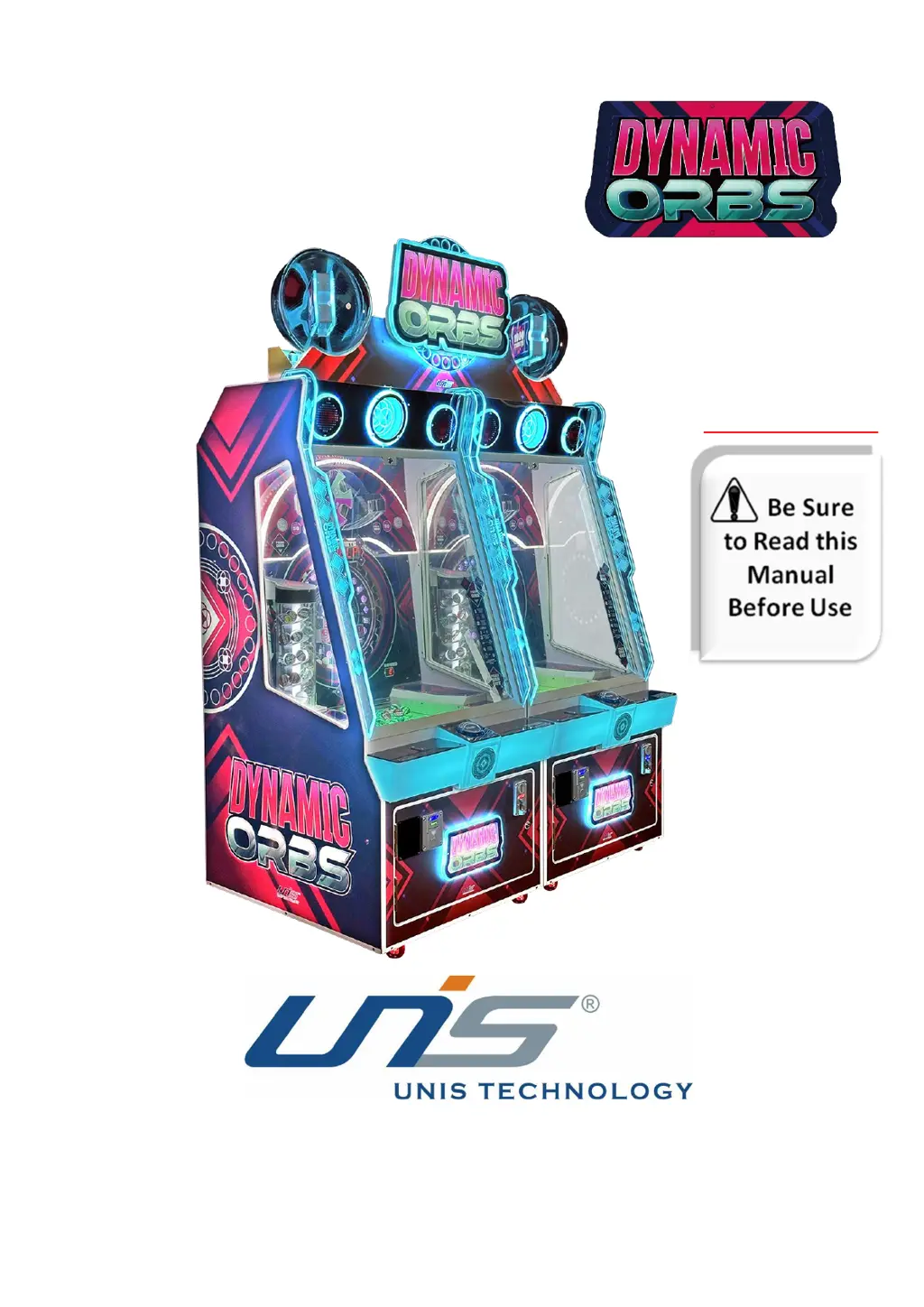
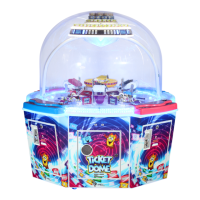
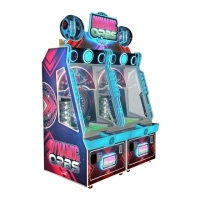
UNIS DYNAMIC ORBS - User Manual

UNIS DYNAMIC ORBS
28 pages
Print Icon
To Next Page IconTo Next Page
Loading...
IMPORTANT
Operation Manual

Questions and Answers

  • A
    Angela McclainAug 12, 2025
    What to do if there is no sound on UNIS DYNAMIC ORBS Arcade Game Machines?
    • C
      christina13Aug 12, 2025
      If your UNIS Arcade Game Machines has no sound, first, raise the volume. If that doesn't work, check the connectors and the speaker. Also, make sure the POT (volume control) is correctly installed; if it is, and there's still no sound, the POT might be faulty and need replacement. Finally, check the audio cable, reconnecting it or replacing it if necessary.
  • B
    bpetersonAug 19, 2025
    What to do if UNIS DYNAMIC ORBS is not dispensing tickets?
    • C
      Carlos GuzmanAug 20, 2025
      If the UNIS Arcade Game Machines is not dispensing tickets, first, make sure it's not out of tickets and press the reset button. If tickets are jammed, remove them and press the reset button again. Also, ensure the connector is securely plugged in.
  • J
    Justin BrownAug 27, 2025
    What to do if card reader is not working on UNIS Arcade Game Machines?
    • Z
      Zachary SpearsAug 27, 2025
      If the card reader on your UNIS Arcade Game Machines isn't working, start by checking the connector to ensure it's not loose. If the connector is fine, the card reader itself might be faulty. In that case, you should check with the card reader manufacturer.
  • J
    Jennifer MccormickSep 2, 2025
    How to fix UNIS DYNAMIC ORBS when the game will not start?
    • A
      Ashley RaySep 3, 2025
      If the UNIS Arcade Game Machines game will not start, check the frame assembly connector to make sure it is not loose. If the frame assembly is faulty, contact UNIS Service.

UNIS DYNAMIC ORBS Specifications

General IconGeneral
Game TitleDynamic Orbs
ManufacturerUNIS
Players1
DisplayLCD
Input MethodButton
Power Supply110V
Weight120kg

Related product manuals