Page 9 eVscope eQquinox V1.1
10. To improve your next observations:
o
Adjust the gain and the exposure time in Live View mode.
o
Adjust the contrast and brightness in Enhanced Vision mode.
o
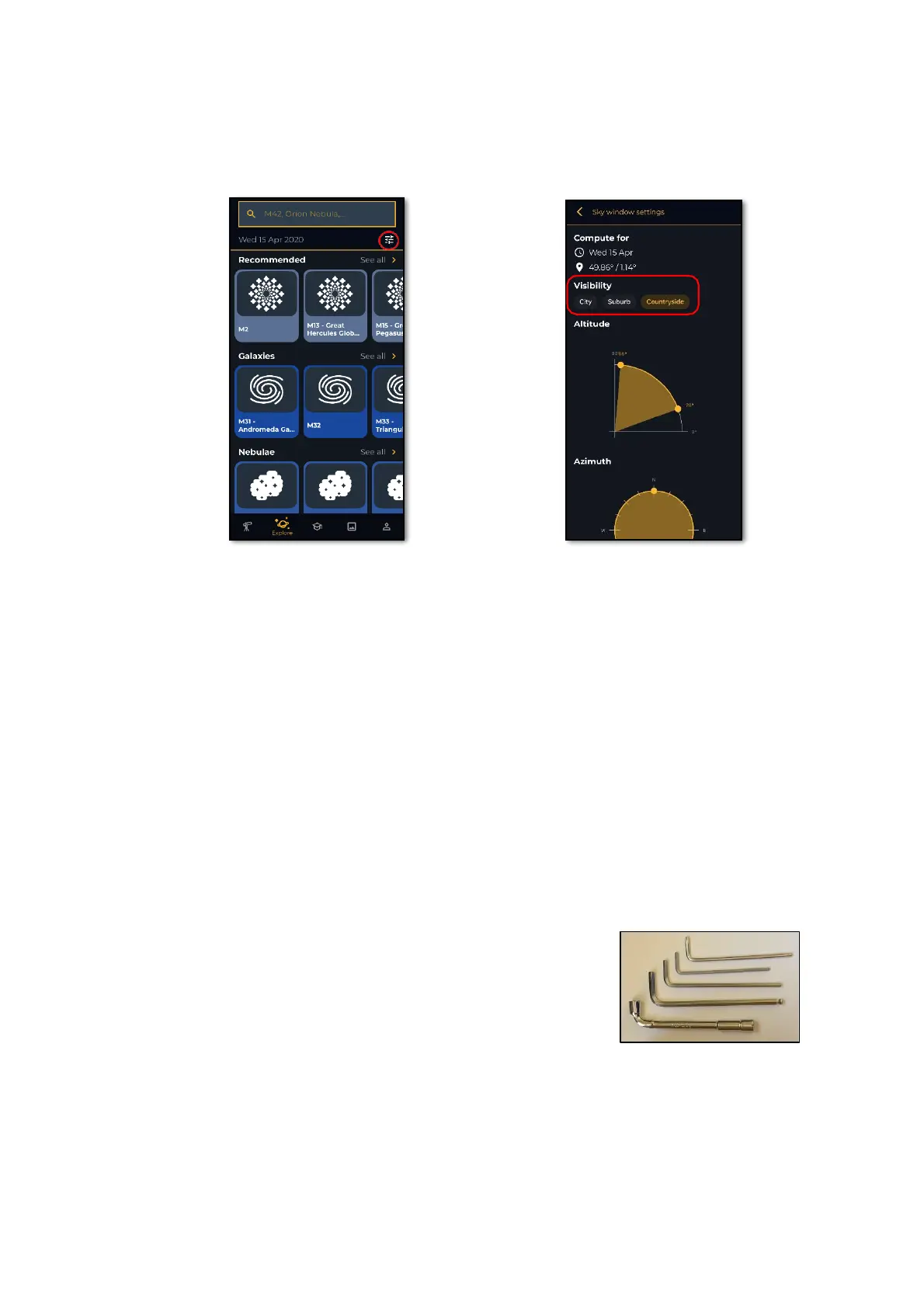
Set up your observing conditions in the « Explore » settings (city, suburb, countryside).
o
Check and adjust the mirror alignment (below).
o
Check the battery charge level in the « User » tab
o
Share your observations with the community by sending us your data (Download data, then
Upload my data).
o
Enjoy the multi-user experience.
o
Contribute to science by joining eVscope observing campaigns.
o
Check the online FAQ to learn more about your eVscope’s capabilities.
11. Mirror Alignment:
o Mirror alignment is advised after each time your eVscope is having a long journey.
o
For this procedure, you will need:
a. The smallest hex key provided in the toolbox
(S2 3mm),
b. A clear sky with visible bright stars.



 To Next Page