EP- 45F Paper Folder Operation Manual
20.
12.Check Lamp
It lights indicating machine’s situation
JAM
Paper jam at table A or B Remove jammed paper
Paper jam on ejection roller or too
much paper on stacker
Remove jammed paper or change ejection
roller position (Refer to
position of roller)
NONE
No paper on feed table Put table on feed table
Paper table not raised Pull down paper feed table lever
Roller cover is open Close the cover
Table A and B do not return or
connect
Make sure the plug is correct insert to
machine. Refer to
Installation of TableA/B
RUN Machine is running
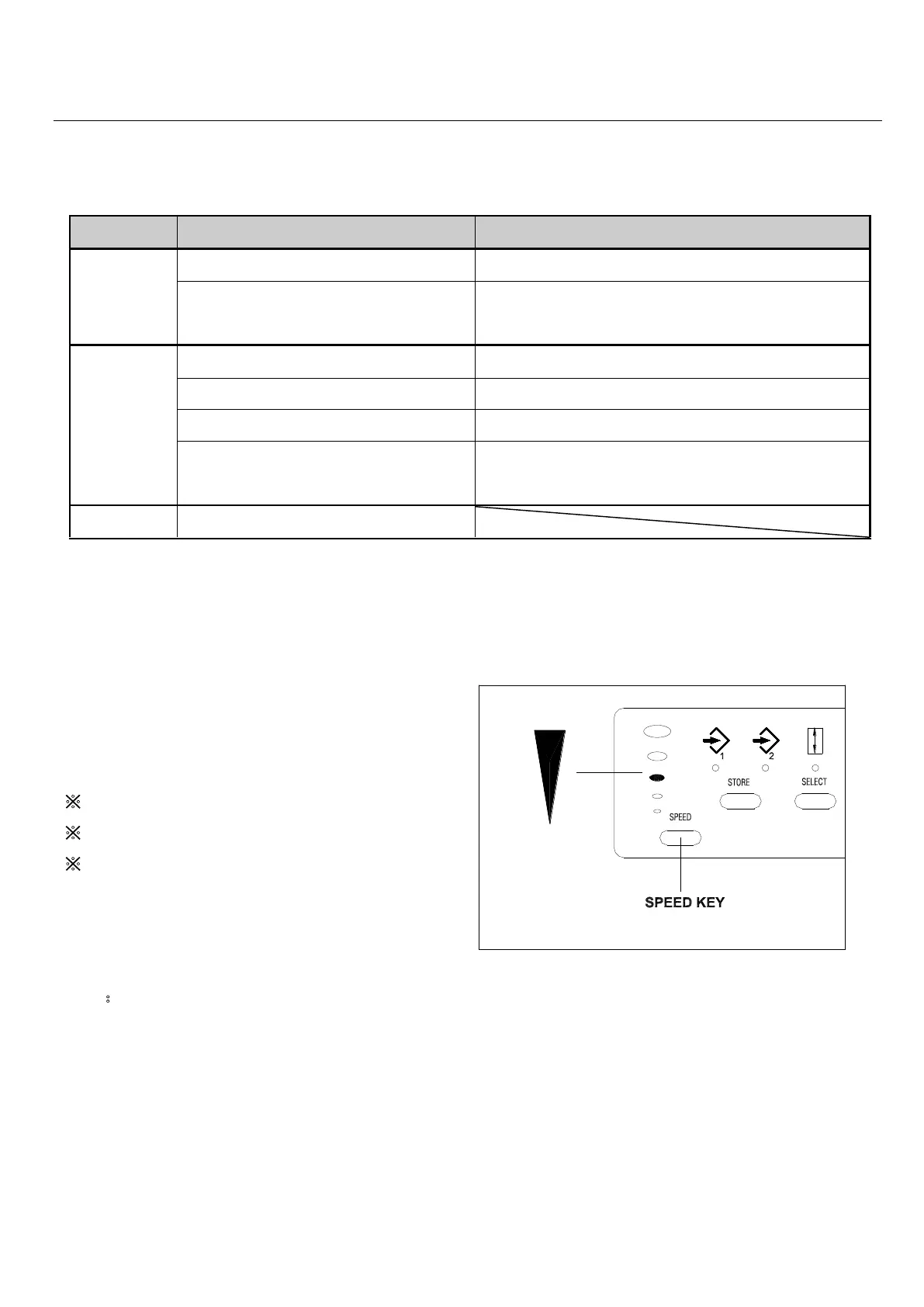
13.Speed Control
If fold is incorrect, change the speed
accordingly.
※If crease or fold unevenly, lower the speed.
※If big noise occurs, lower the speed.
※
If thick paper feed improperly, increase,
increase the speed.
Note:If the fold speed changes at correct fold
position, it maybe needs to adjust stopper
position.
Refer to 9-2 Table stopper adjustment.



 To Next Page