EP- 45F Paper Folder Operation Manual
11.
(mm)
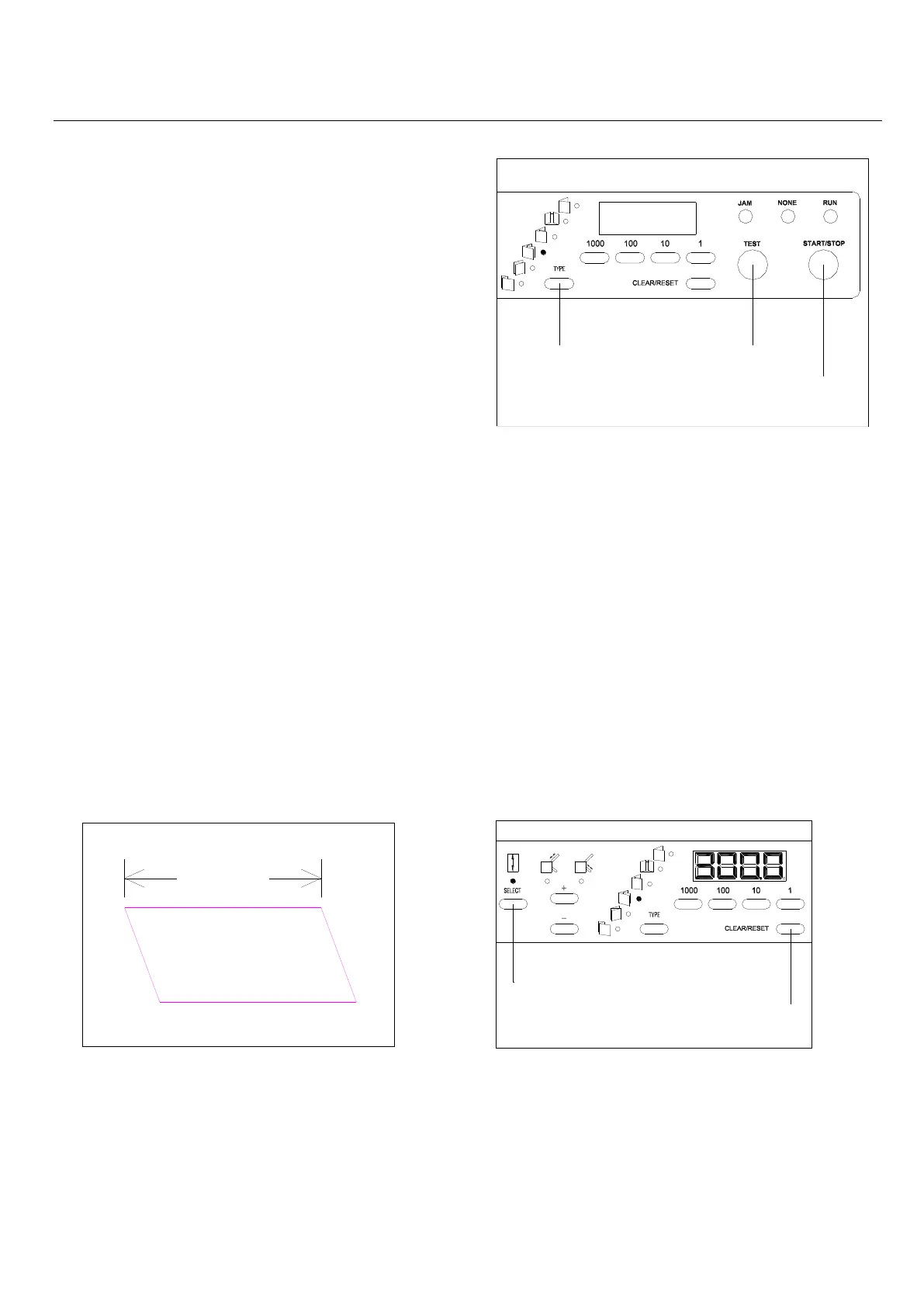
TYPE KEY
TEST KEY
START/STOP KEY
SELECT KEY
START/STOP KEY
7-1-5. Continuous folding
7-2. Standard Folding of Non-standard-size Paper
7-2-1. Measure the paper length 7-2-2. Input the paper length
7-1-3. Selecting of folding type
One of the six folding types (Single, Gate, Letter,
Zigzag, Double, Parallel Fold-out) can be selected.
Press the desired folding type key.
7-1-4. Test folding
Before start folding, press Test key, Table A/B move
to the position of designated fold type, one sheet will
be folded. Check if the paper has been folded
correctly. (In case of correcting slanting folding, refer
to Adjustment on Chapter 9)
Note:If the Table A or B has been adjusted, press Test key before continuous folding, or the
adjustment will not be accepted, Table A / B will return to origin before the adjustment.
Press the Start/Stop key, the machine will continuously fold the paper, and the counter is in addition
counting. When the Start/Stop key is pressed while the machine is in operation, the machine w ill
stop the operation.
If only required number of sheets need to be folded,
please refer to chapter 6 Subtraction Counter.
Press the Select key and select the Paper
Length Input Mode. Press Clear/Reset key.
Input paper length by using numerical key
Note: Input length number should be
bigger than B6, smaller than A3,otherwise



 To Next Page